Workforce analytics, engineering velocity and Bloomy
Seat-level usage for market data terminals
Workforce Analytics
Engineering Velocity
Bloomy, AI Chief of Staff
Integrations
Platform Overview
Pricing
For Financial Markets
Terminal seat evidence for banks, asset managers, and insurers
Compare
See how Abloomify compares to ActivTrak and others
Engineering Intelligence
Market Data Terminals
AI Governance & Shadow AI
SaaS License Optimization
Enterprise Deployment
For Executives
For Engineering Leaders
For Operations Leaders
For HR Leaders
For IT Leaders
For Market Data Managers
For Procurement & Sourcing
For Desk Heads & Business Managers
For Finance & the COO Office
For Advisors & Consultancies
Blog
Customer Stories
Alternatives
Free Tools
Release Notes
About Us
Contact Us
Overview
Bloomberg Terminal
LSEG Workspace
FactSet
Web Platforms
Terminal Cost Calculator
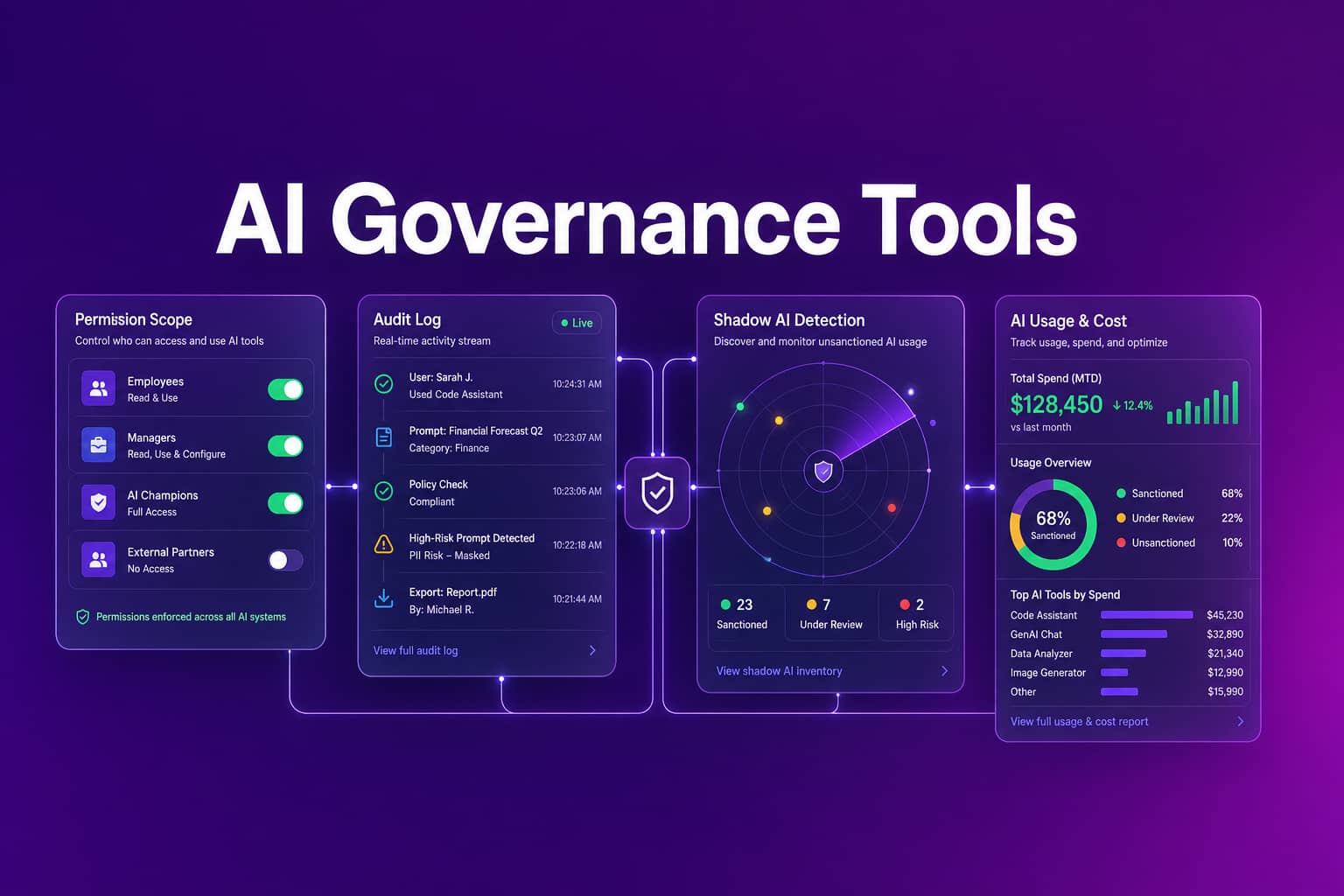
AI governance tools promise control over enterprise AI. Most govern the models you build, not how your team actually uses ChatGPT, Copilot, and Cursor.
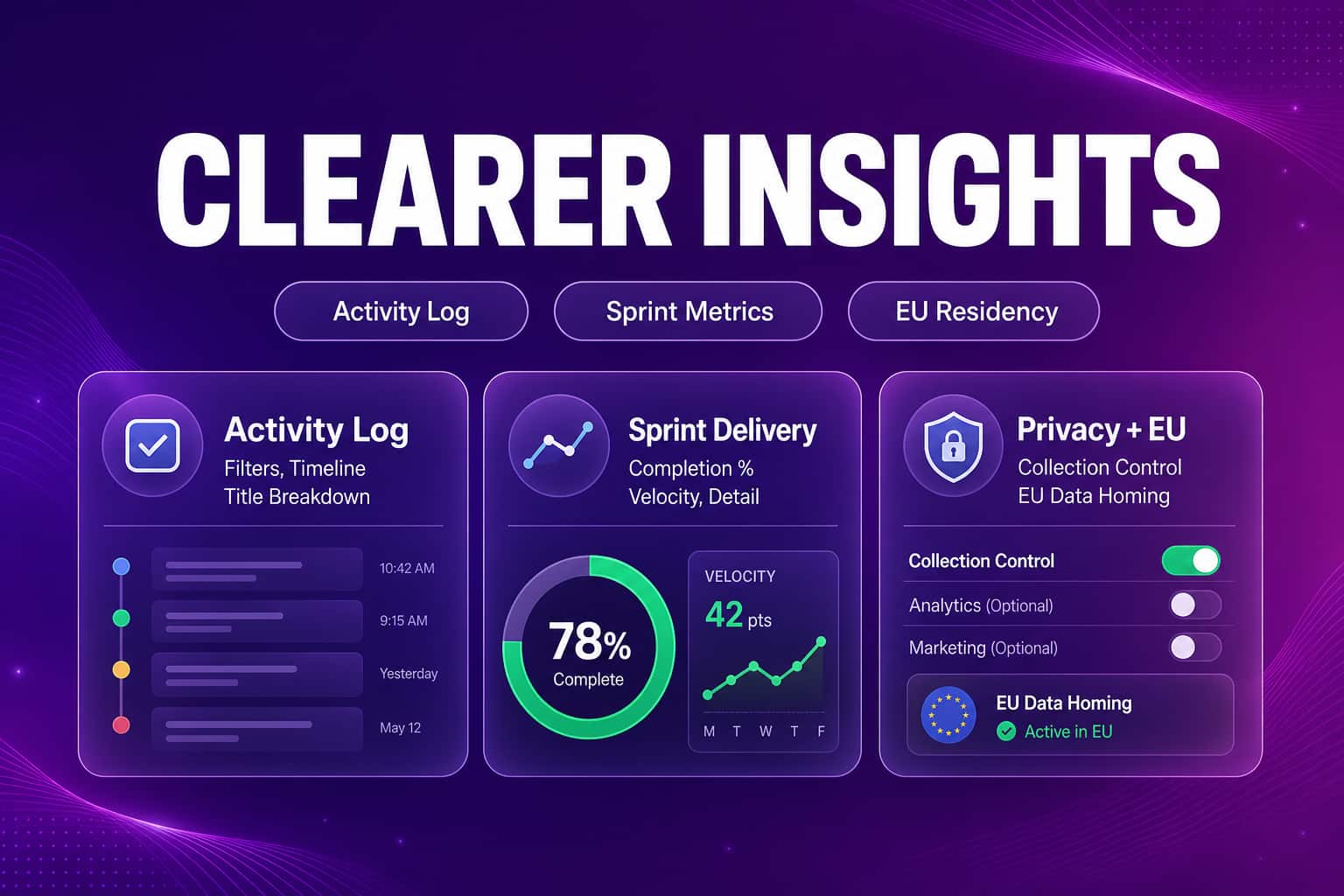
The Activity Log gains filters, a fuller timeline, and more accurate device matching. Engineering Insights adds sprint delivery metrics, plus on-demand usage data and clearer EU residency defaults.
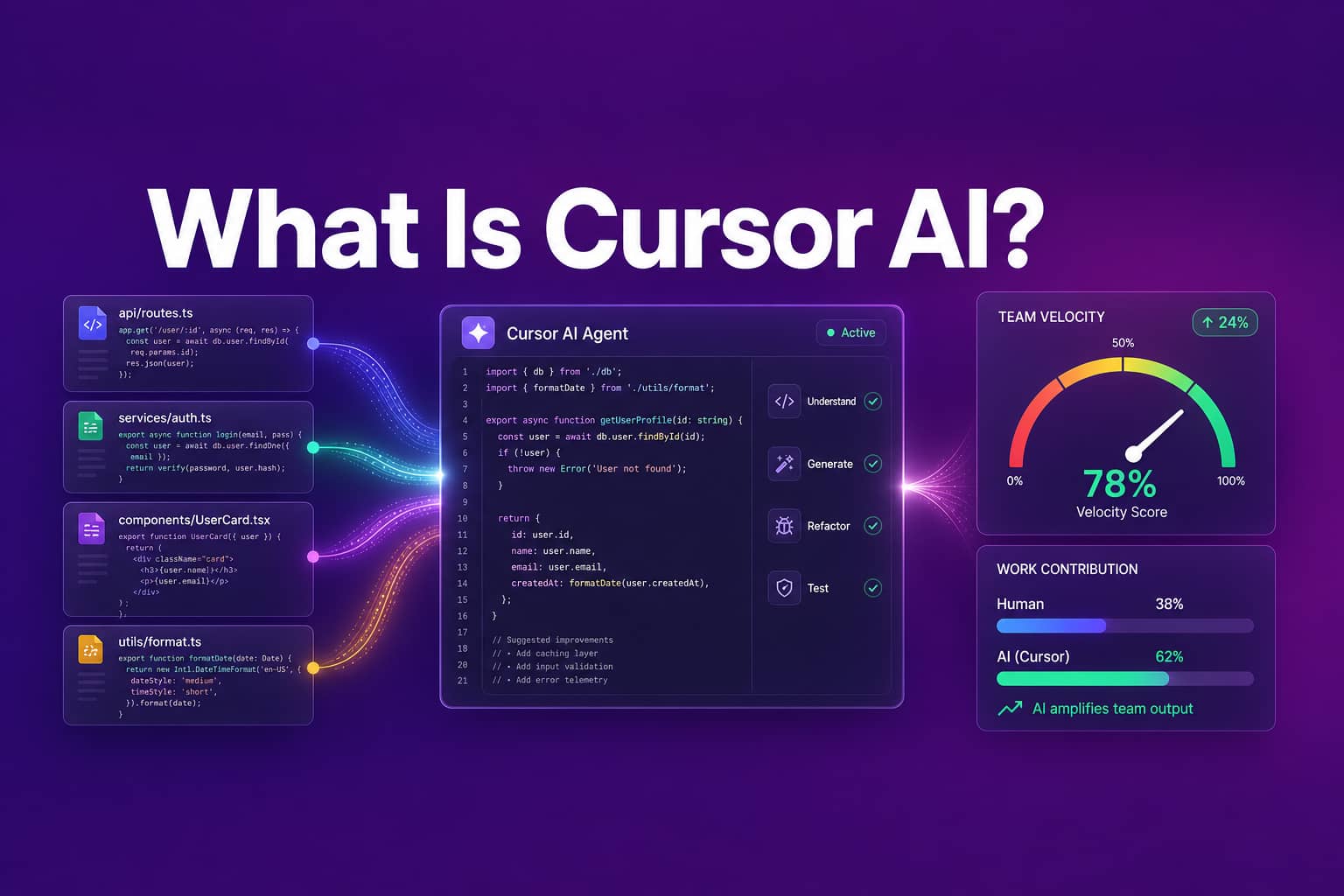
What is Cursor AI? It is an AI-native code editor built around an agent. Here is what it does, how it compares, and how to measure if it speeds up your team.
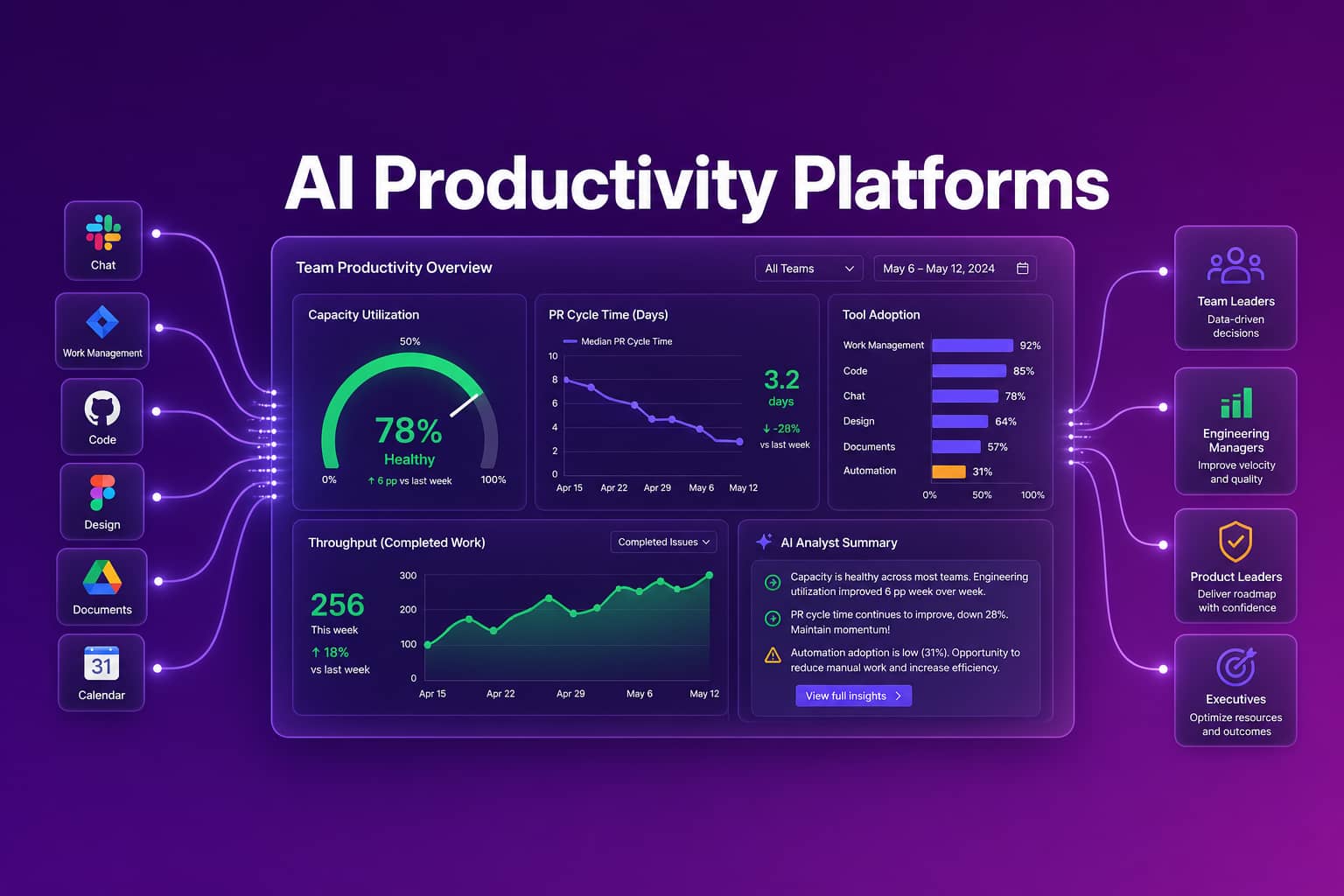
A founder honest take on AI-powered productivity platforms in 2026, ranked for teams and leaders who need whole-team visibility, not another personal assistant.
Abloomify announces its GDPR compliance program: a dedicated EU environment with full data residency in Frankfurt, deny-by-default data collection for EU companies, and a publicly available DPA.
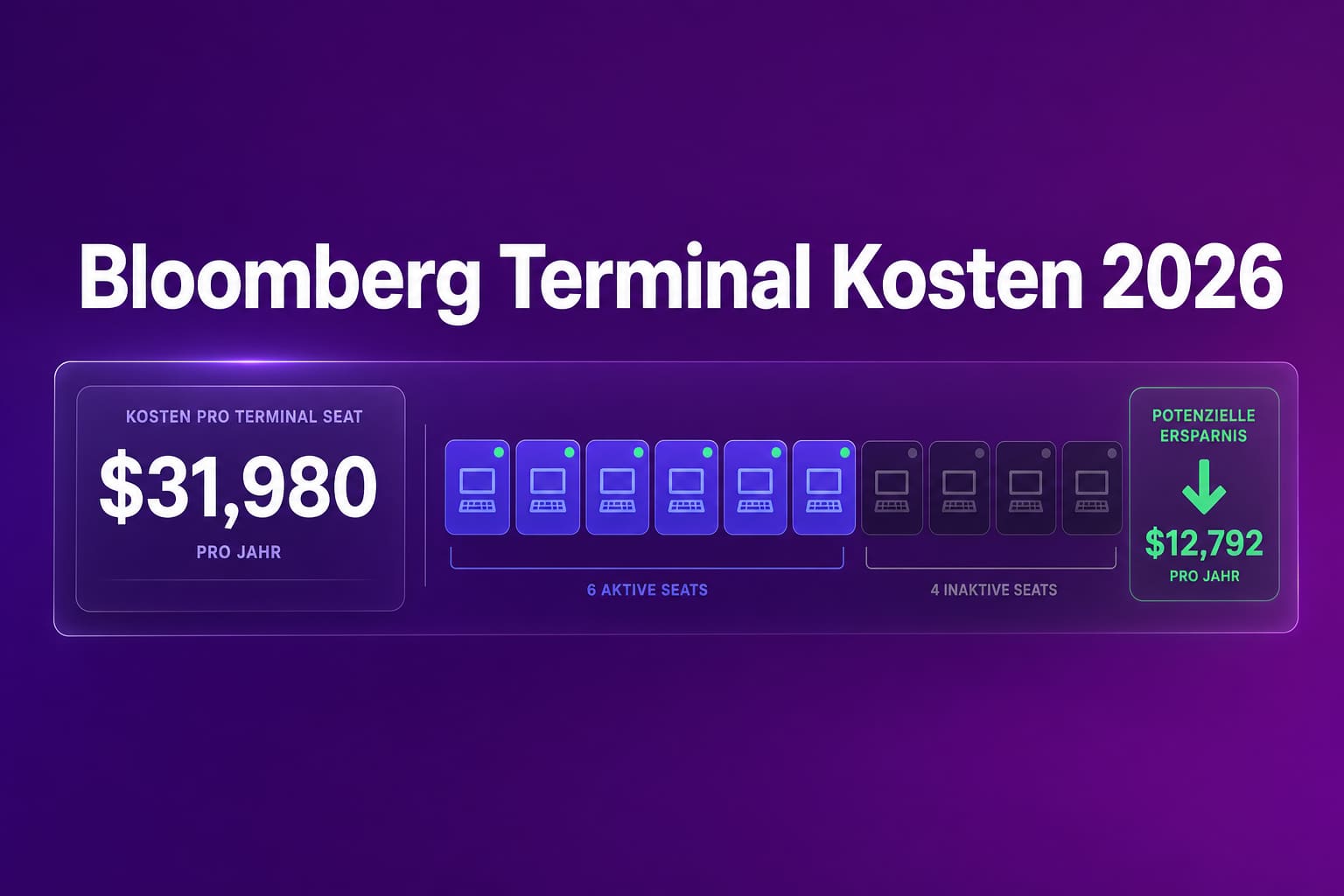
Ein Bloomberg Terminal kostet 2026 rund 31.980 US-Dollar pro Sitz und Jahr. So entstehen die Bloomberg Terminal Kosten, und so finden Sie Sitze zum Kürzen.
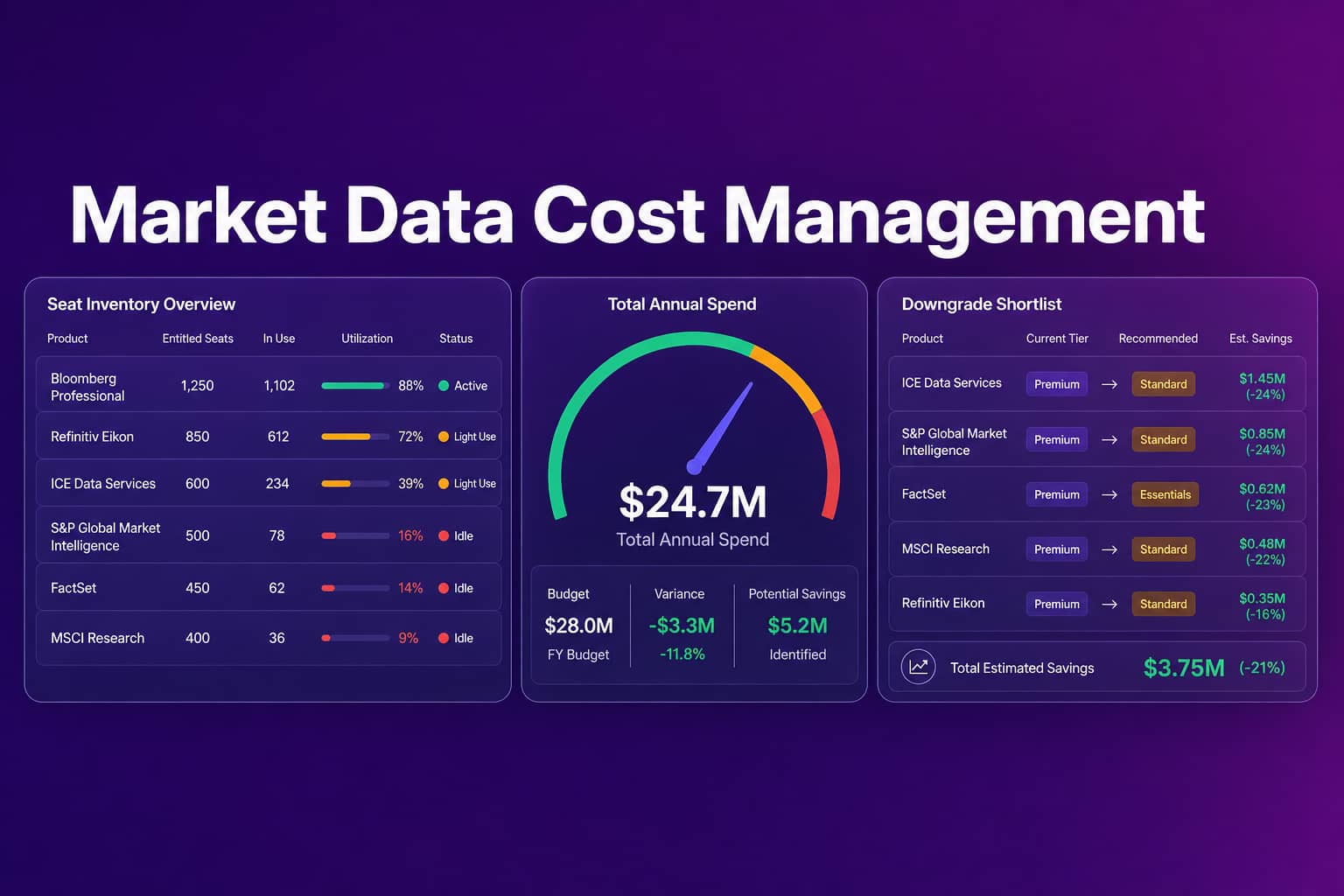
Market data cost management in 2026 means matching every terminal seat to real usage. Here is the operating playbook to cut spend without losing coverage.
Deploy the Abloomify Windows device agent with Microsoft Configuration Manager (SCCM): create an application with silent install and uninstall commands, add a file detection method, distribute content, deploy to a device collection, and verify.
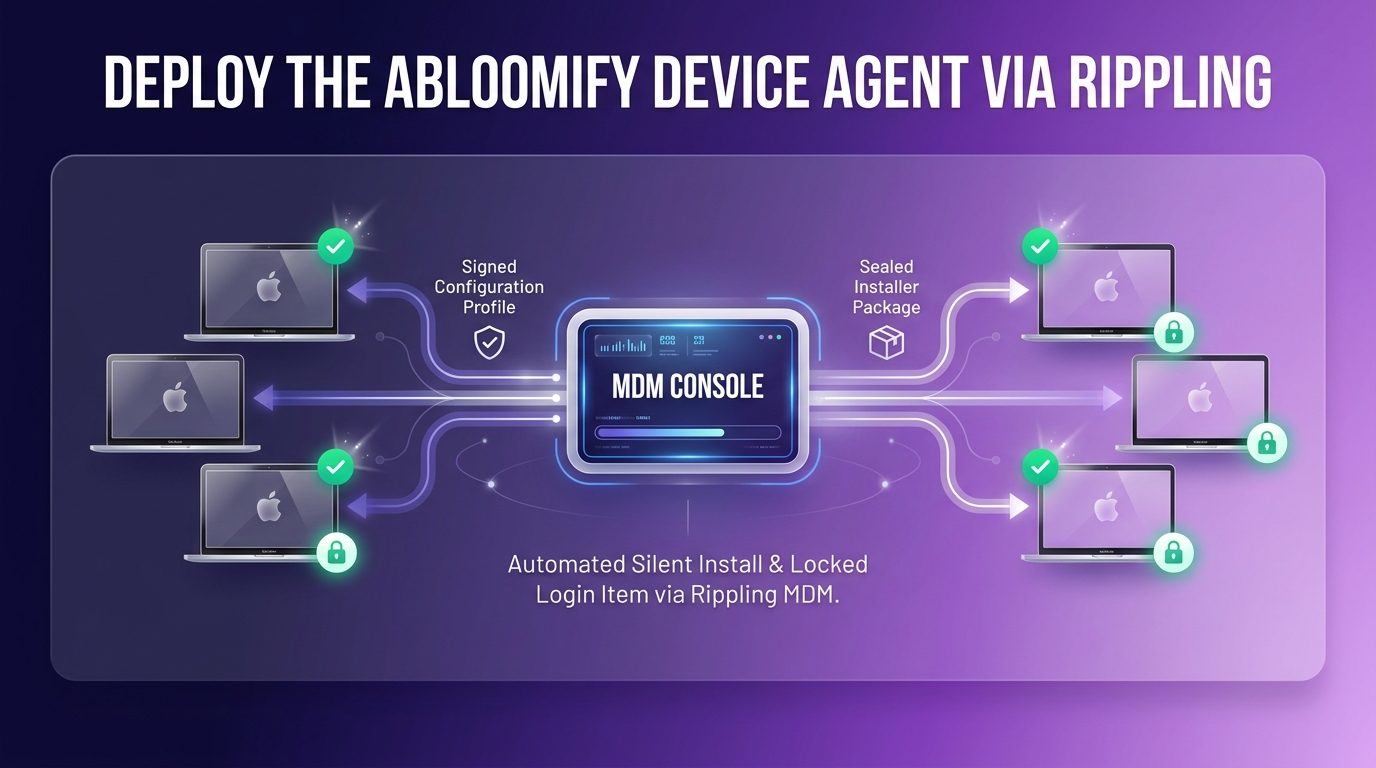
Deploy the Abloomify Windows device agent to Rippling-managed devices: upload the installer as a custom Windows app, set the silent install command, scope to your Windows device group, and verify.
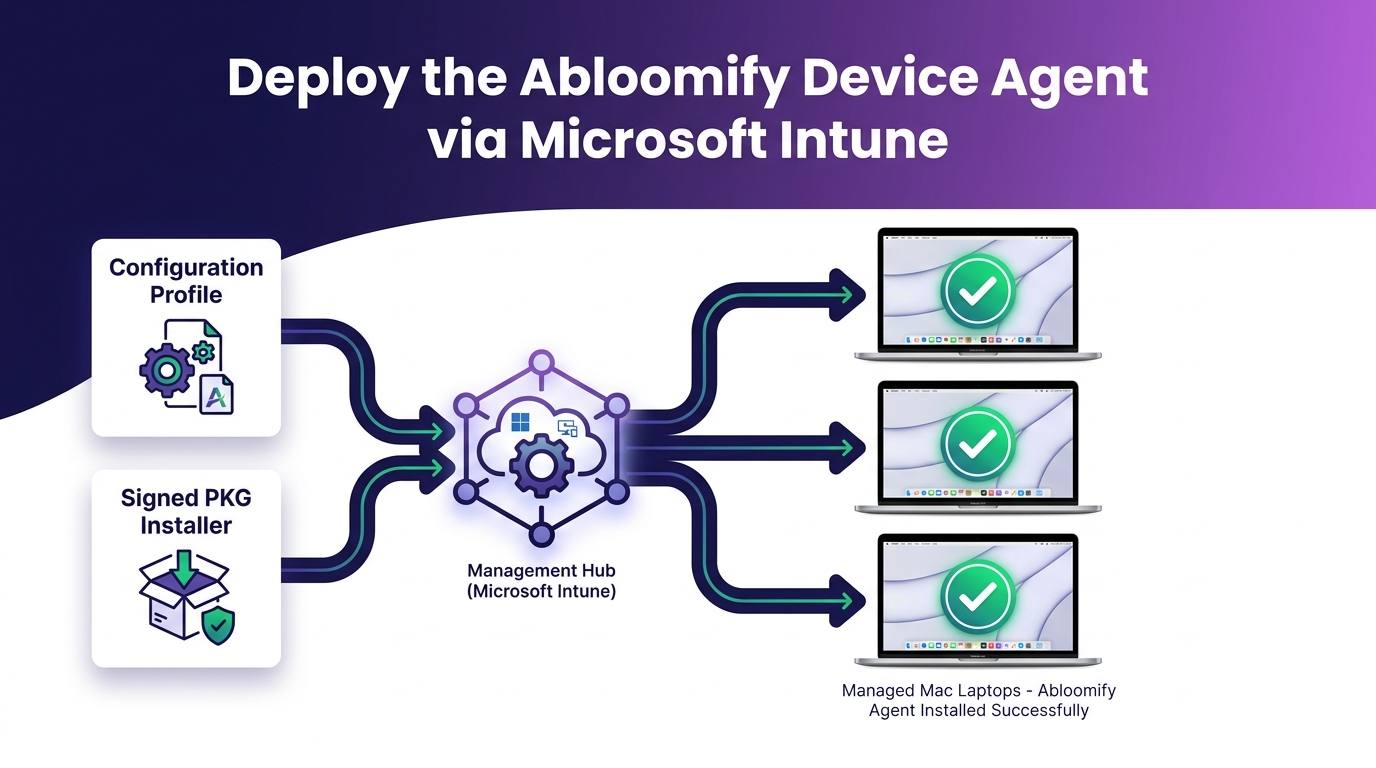
Push the Abloomify Windows device agent to your fleet with Microsoft Intune: wrap the installer as a Win32 app, set the silent install command and a version-based detection rule, assign to a device group, and verify.
Deploy the Abloomify Windows device agent across an Active Directory domain with Group Policy: stage the installer on a share, run a silent-install startup script that runs as SYSTEM, link the GPO to an OU, and verify.
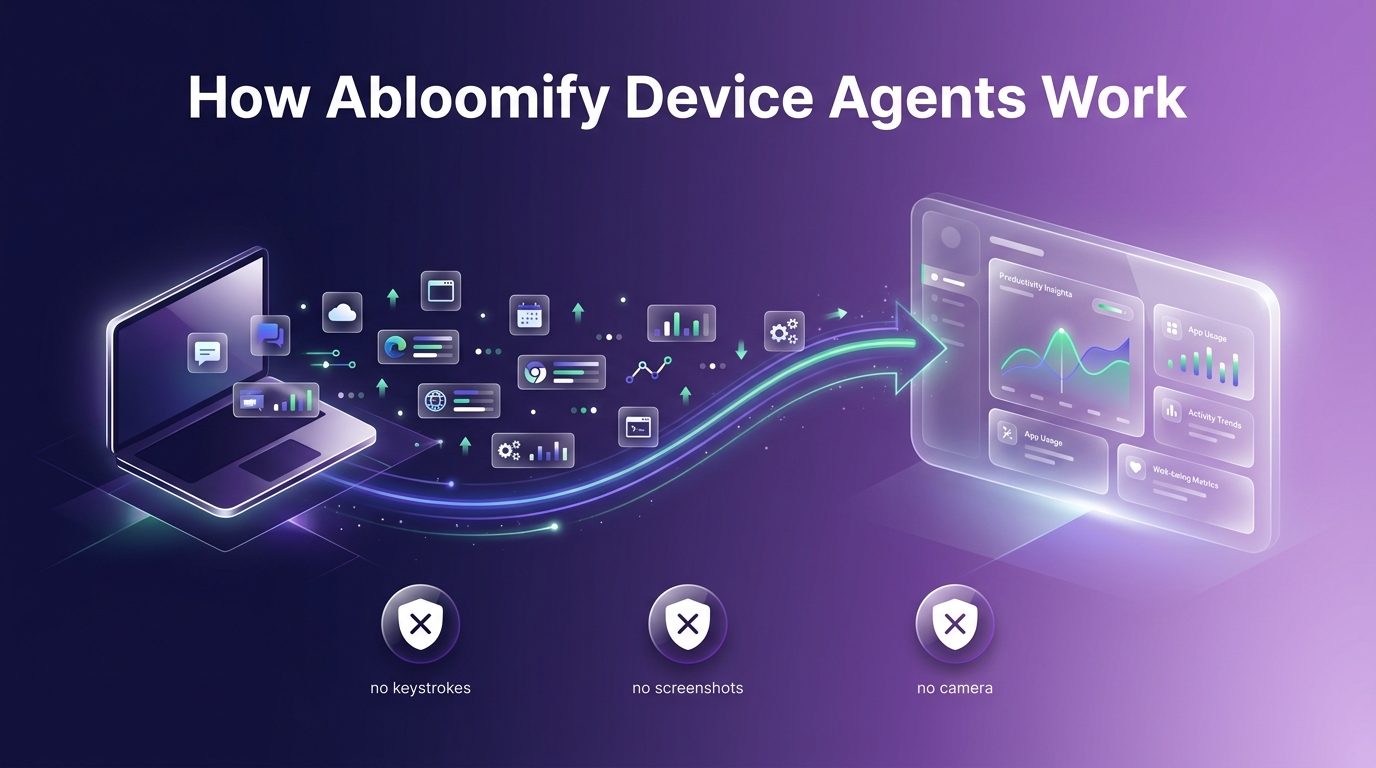
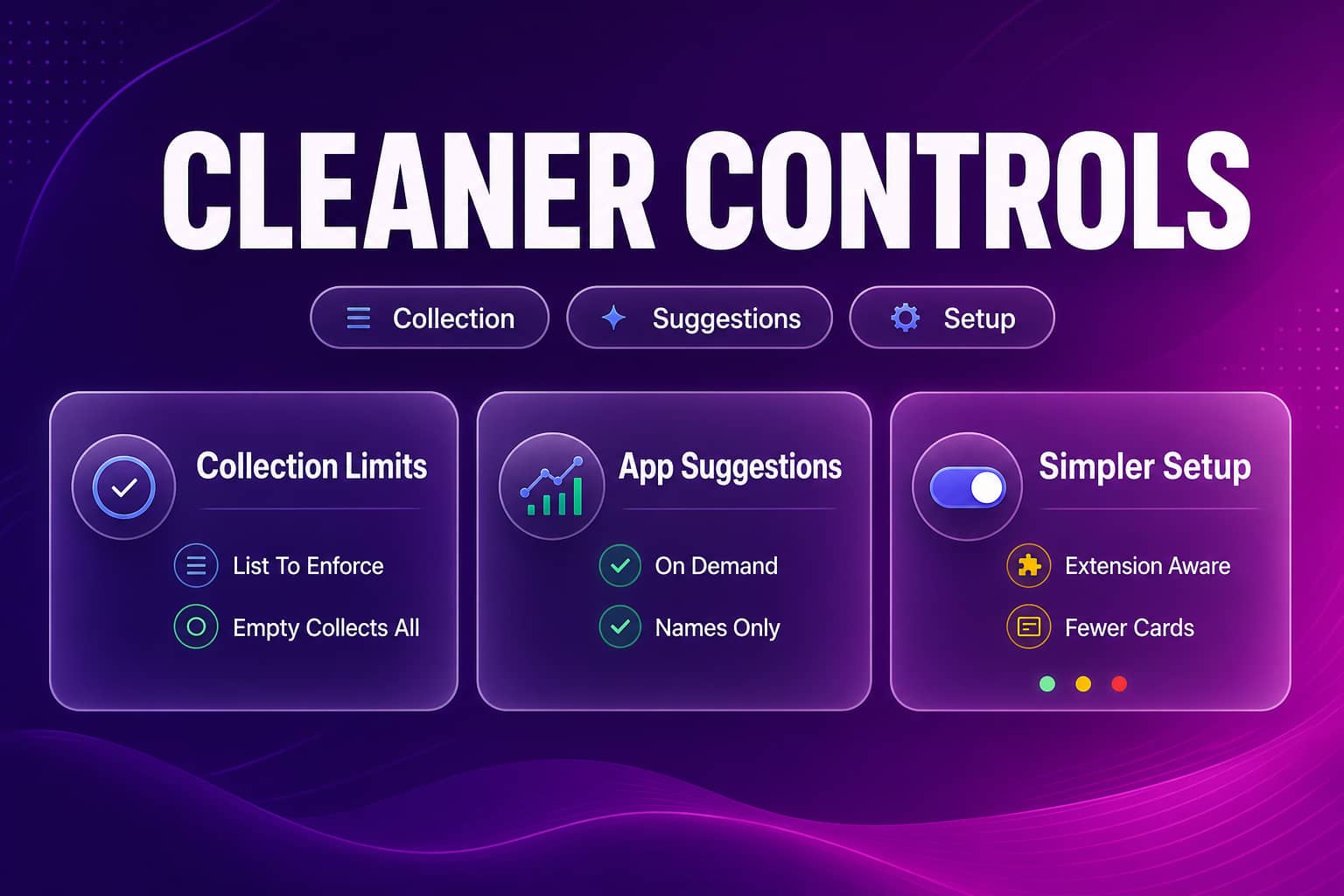
Setting what device agents collect is simpler, app and website suggestions are available on demand, and setup hides the browser extension card for teams that skip it.
Previous
1
…
8
9
10
28
Next
Page 9 of 28