Platform Overview
PII-free workforce intelligence platform
Integrations
100+ connectors for your tech stack
Workforce Intelligence
Engineering Velocity
Bloomy - AI Chief of Staff
Compare
See how Abloomify compares to ActivTrak and others
Workforce Analytics
Engineering Intelligence
AI Governance & Shadow AI
SaaS License Optimization
Enterprise Deployment
For Executives
For Engineering Leaders
For Operations Leaders
For HR Leaders
For IT Leaders
Blog
Customer Stories
Alternatives
Free Tools
Release Notes
About Us
Contact Us
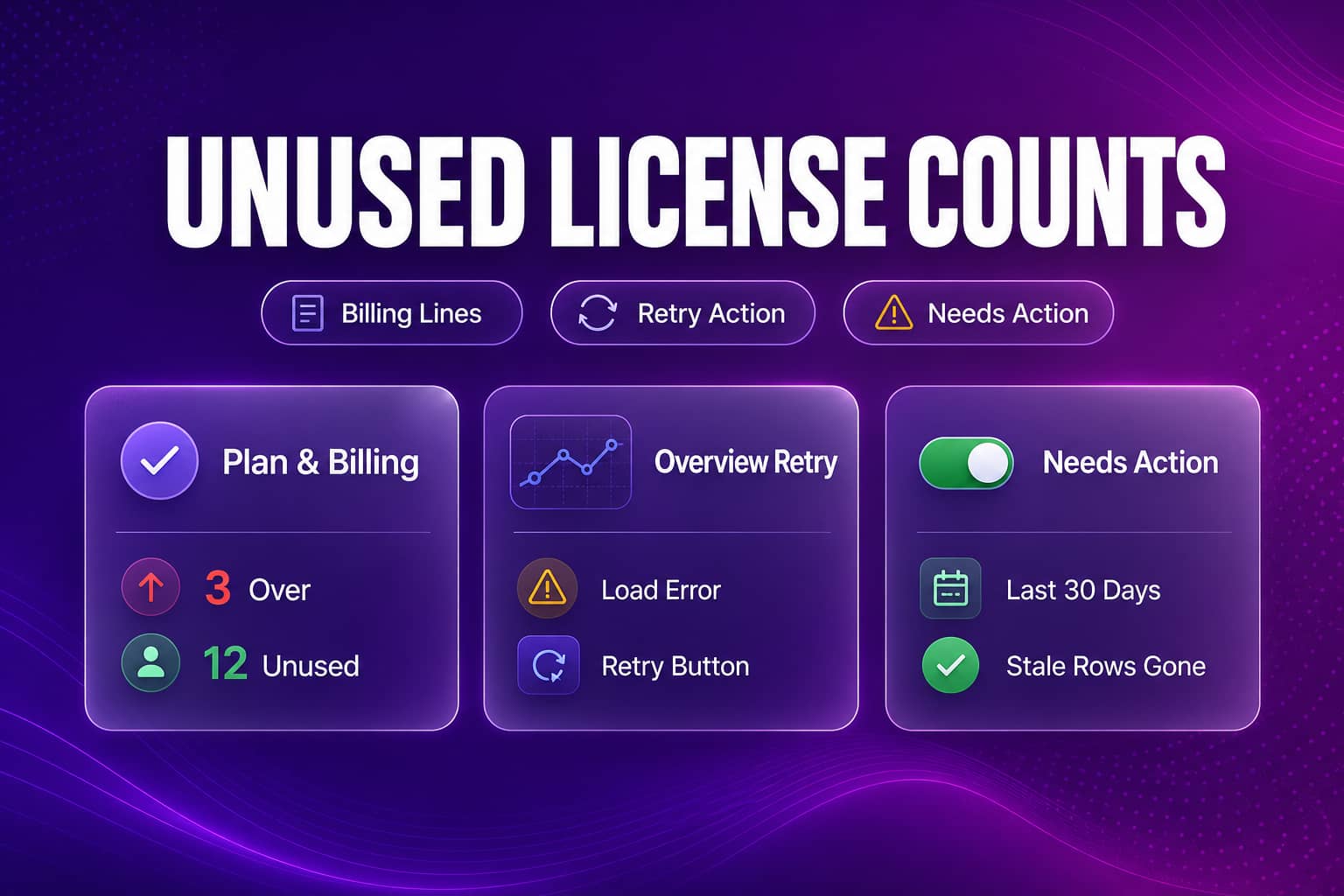
Plan & Billing now shows how many device licenses are over or unused on each line. Device Agents Overview shows a Retry button when data fails to load, and Needs action drops stale agents.
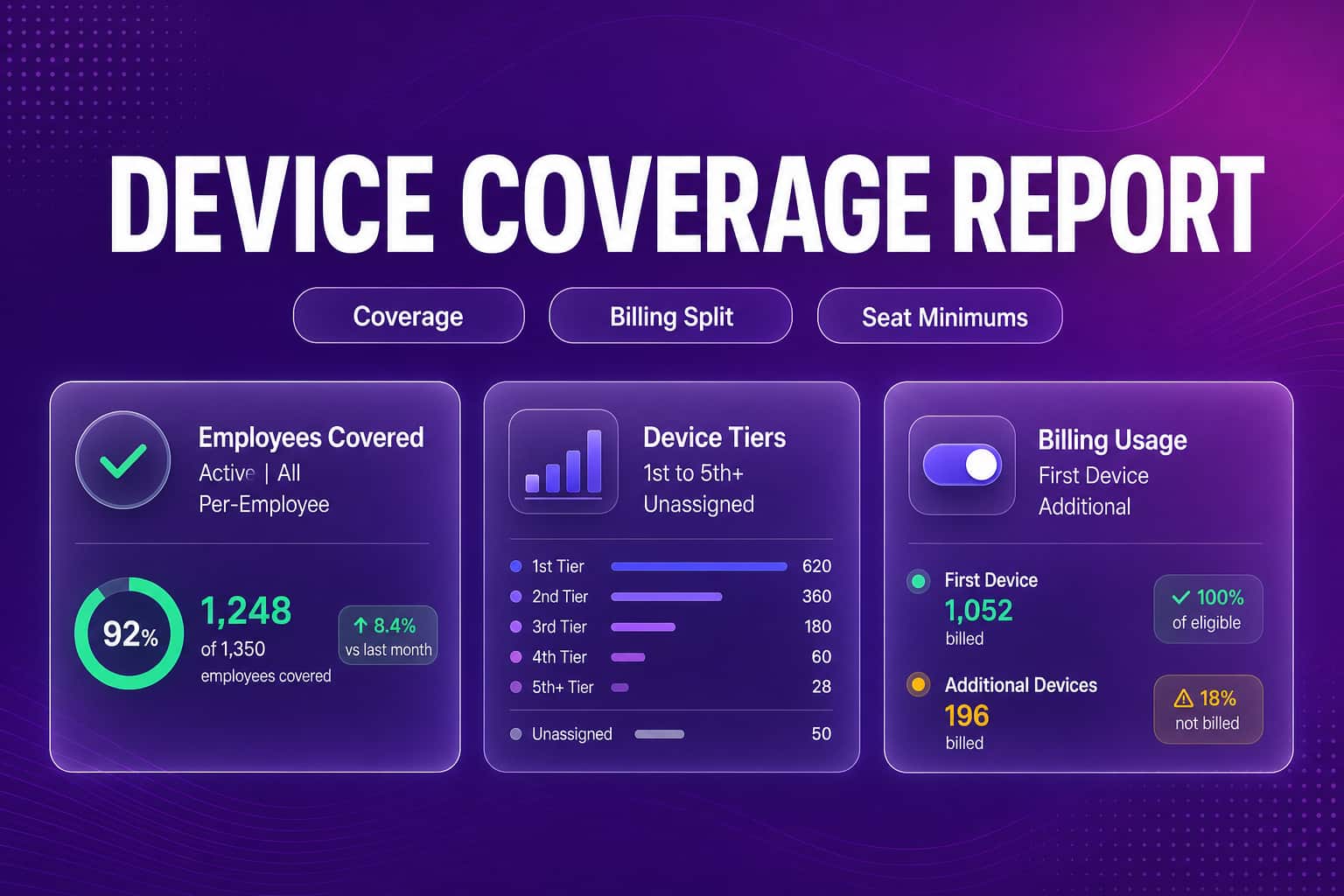
Device Agents now shows who has one device, several, or none, with a per-employee report you can export. Plan & Billing splits first and additional devices.
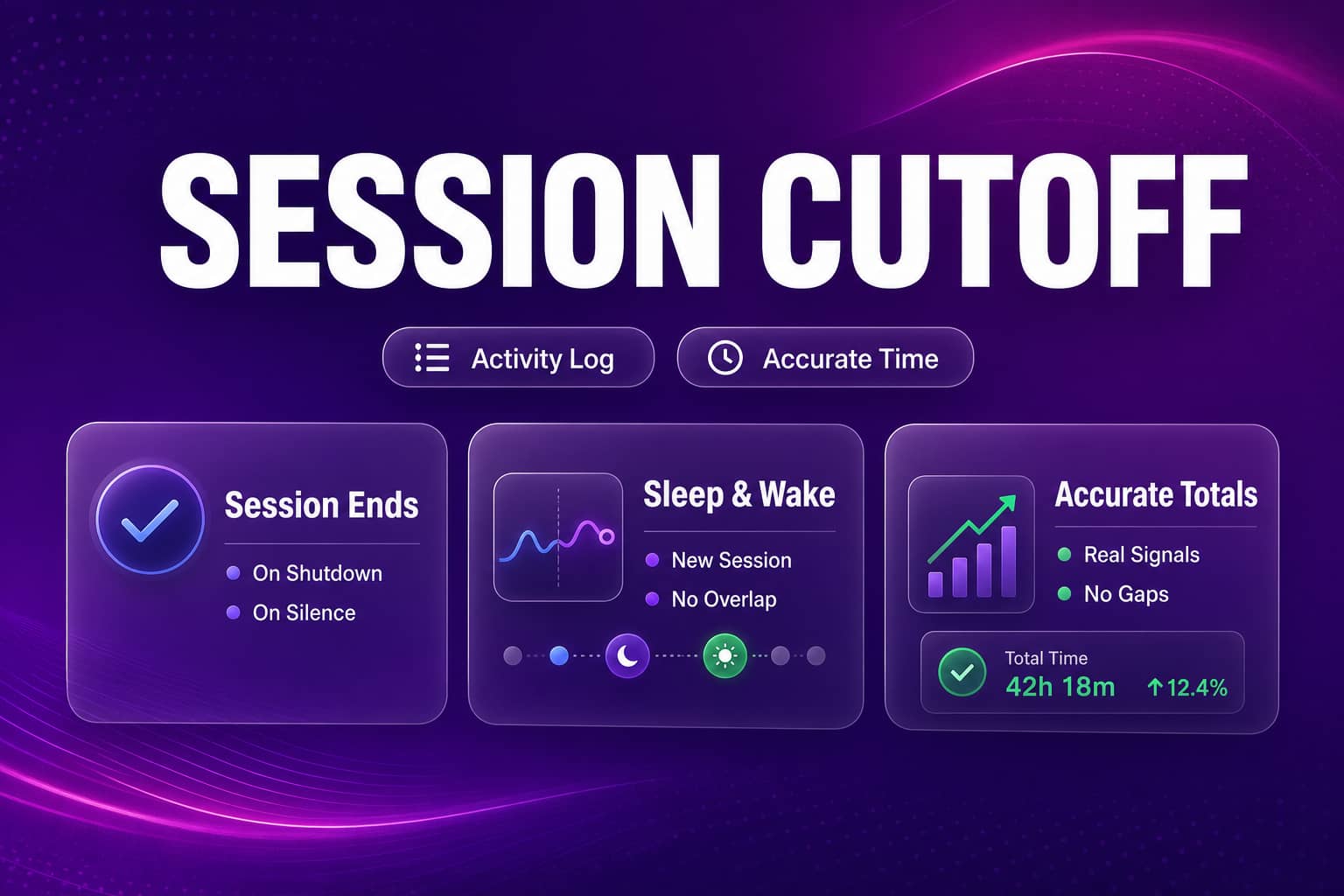
Activity Log sessions now end when a device stops responding, so time after a shutdown, sleep, or dropped connection no longer counts as active time.
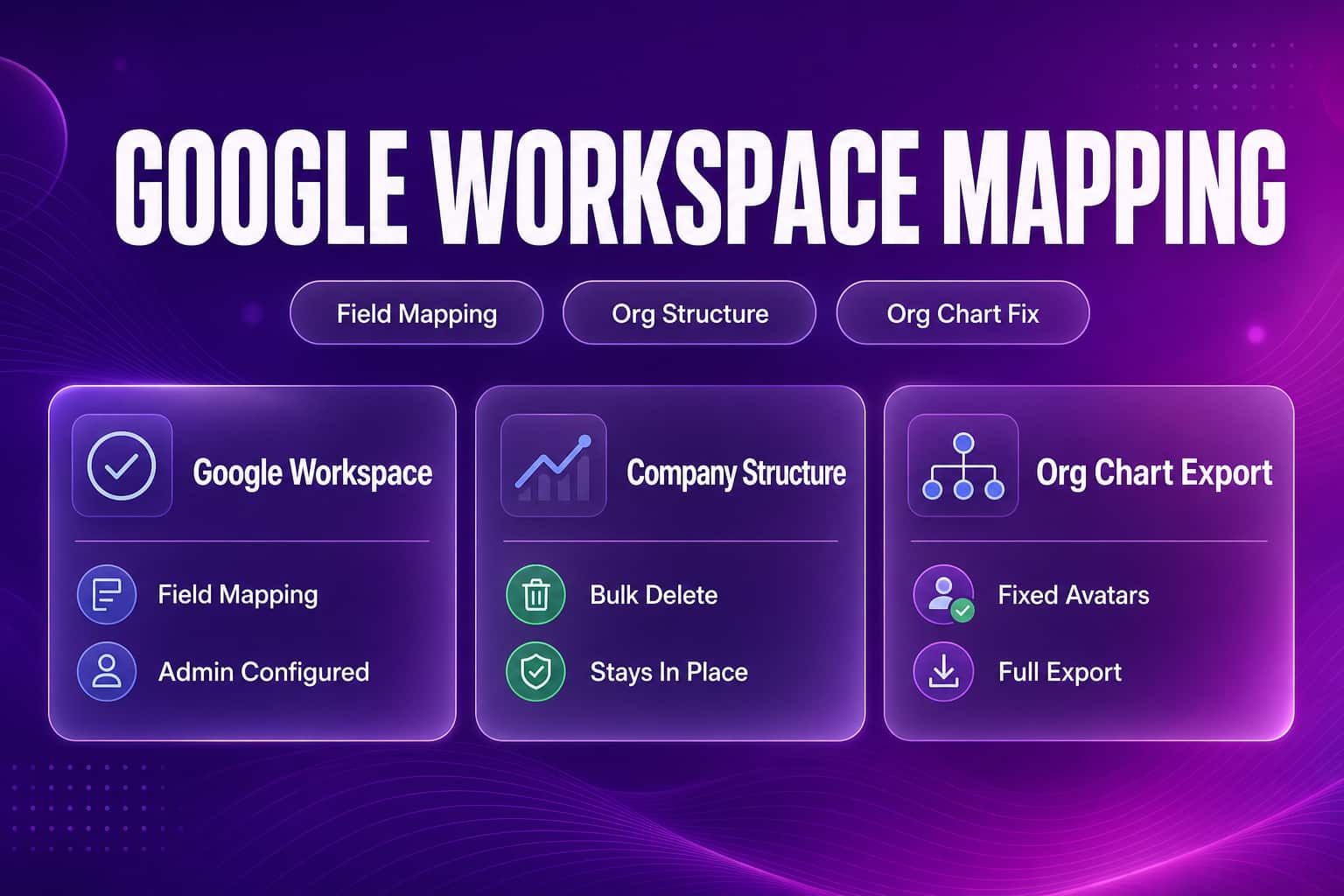
Admins can map Google Workspace directory fields per connection, edit Company Structure without losing their place, and rely on fixes across Roles, org chart exports, and device agents.
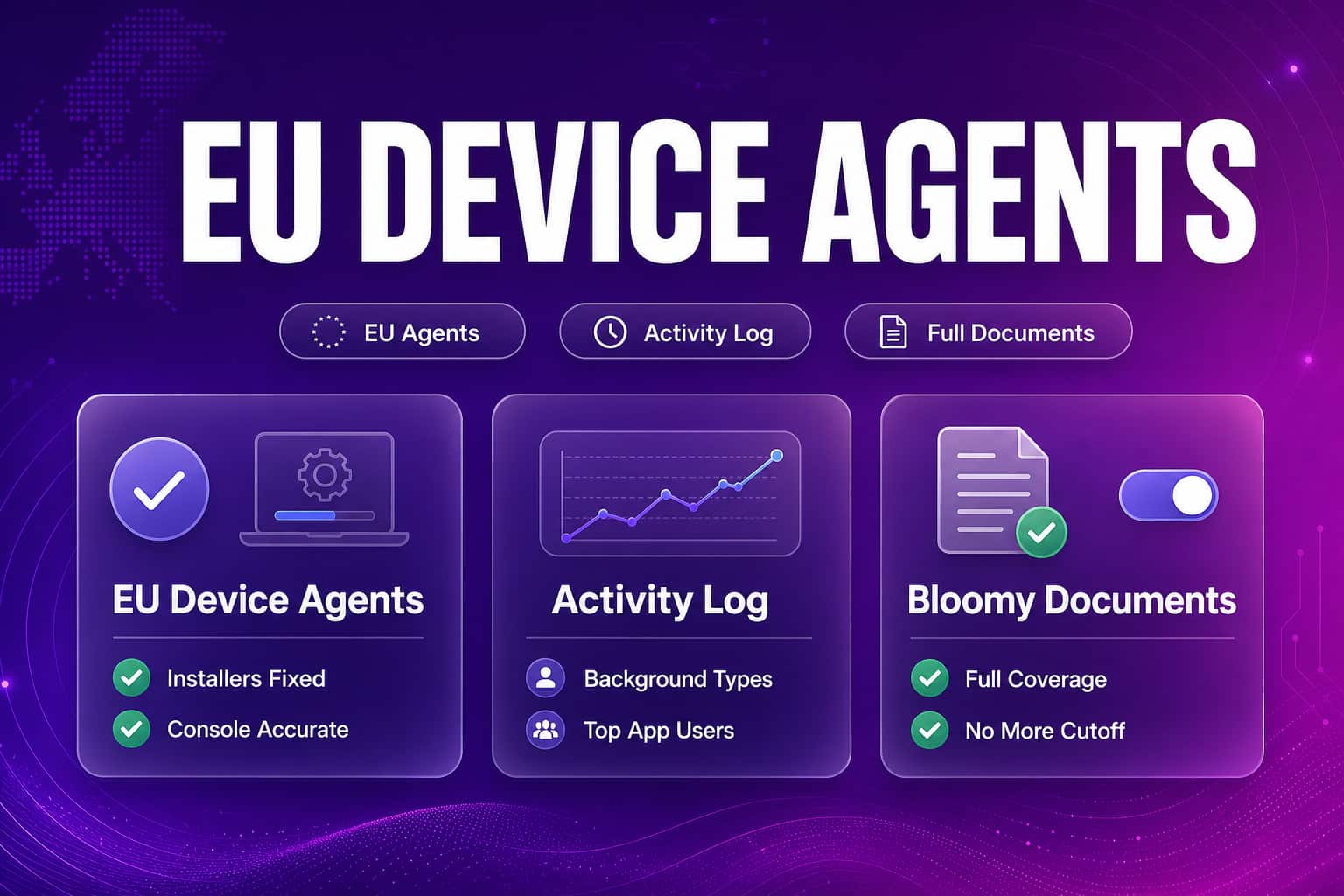
Device agent installers and status are fixed for EU teams, background activity joins the Activity Log, and Bloomy answers from complete documents.
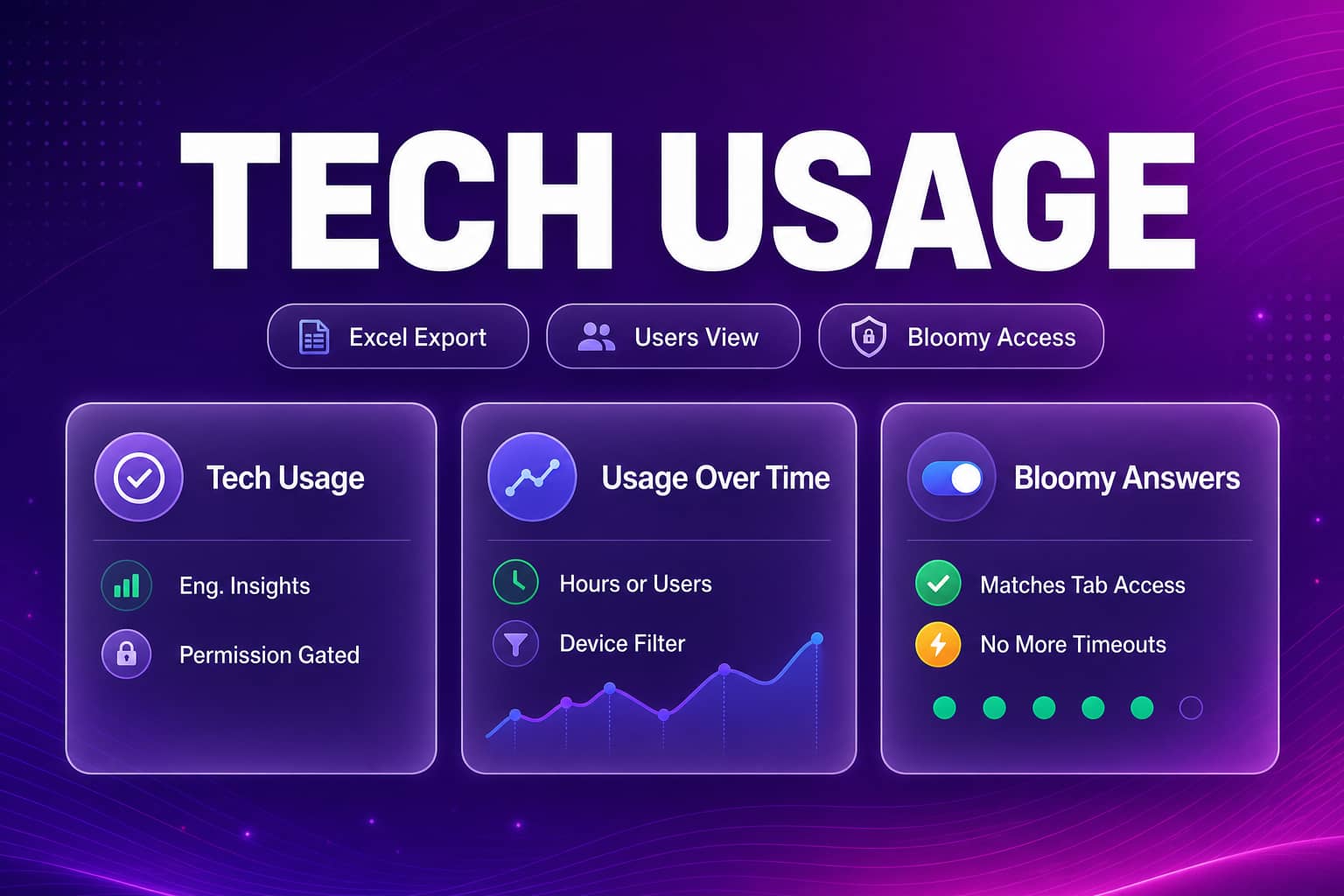
Engineering Insights gains a permissioned Tech Usage tab with Excel export and a Users view. Usage counts are corrected, and Bloomy answers now match the tab.
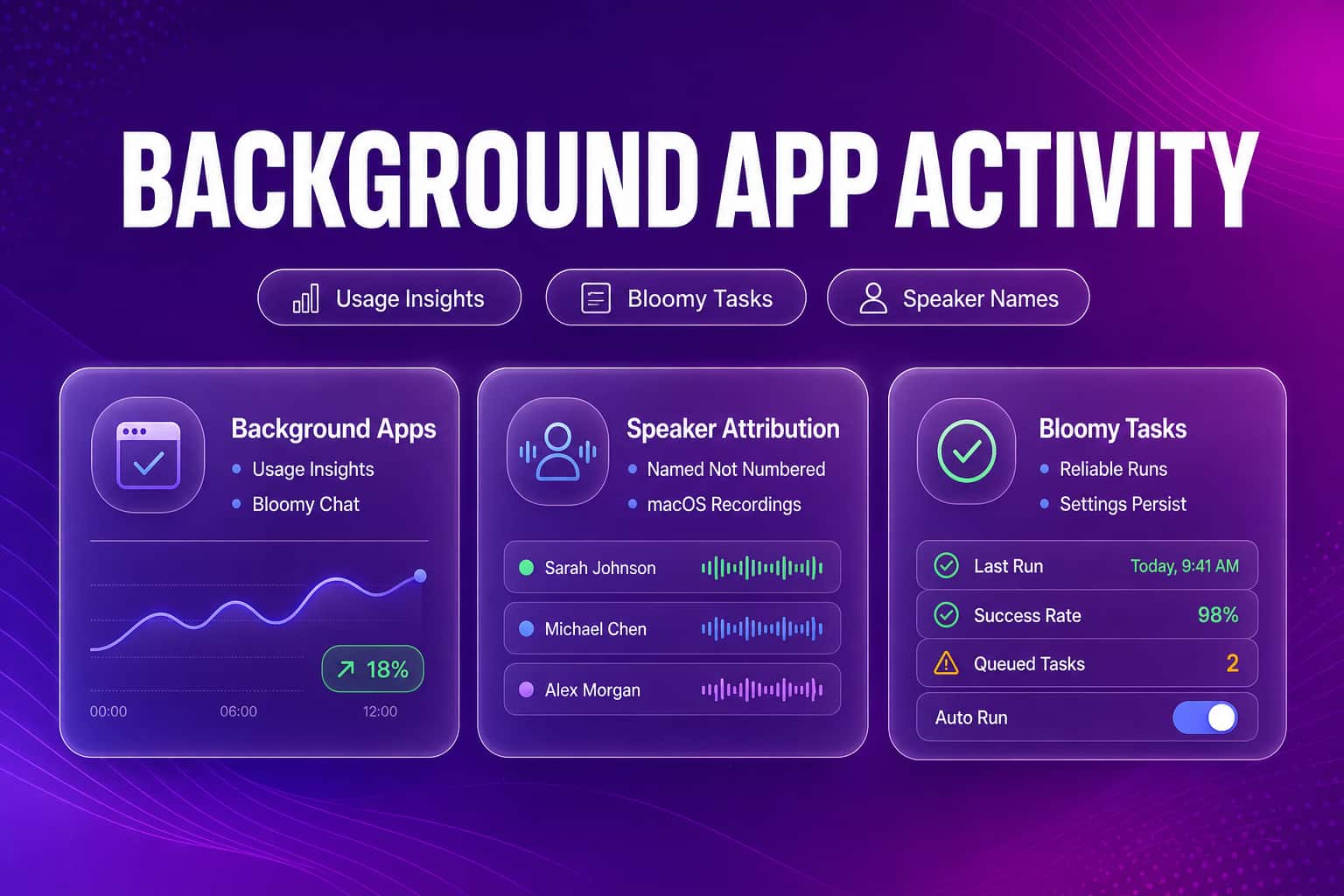
Admins can now track background app activity in Usage Insights, meeting recordings label the right participant, and scheduled Bloomy Tasks run reliably again.
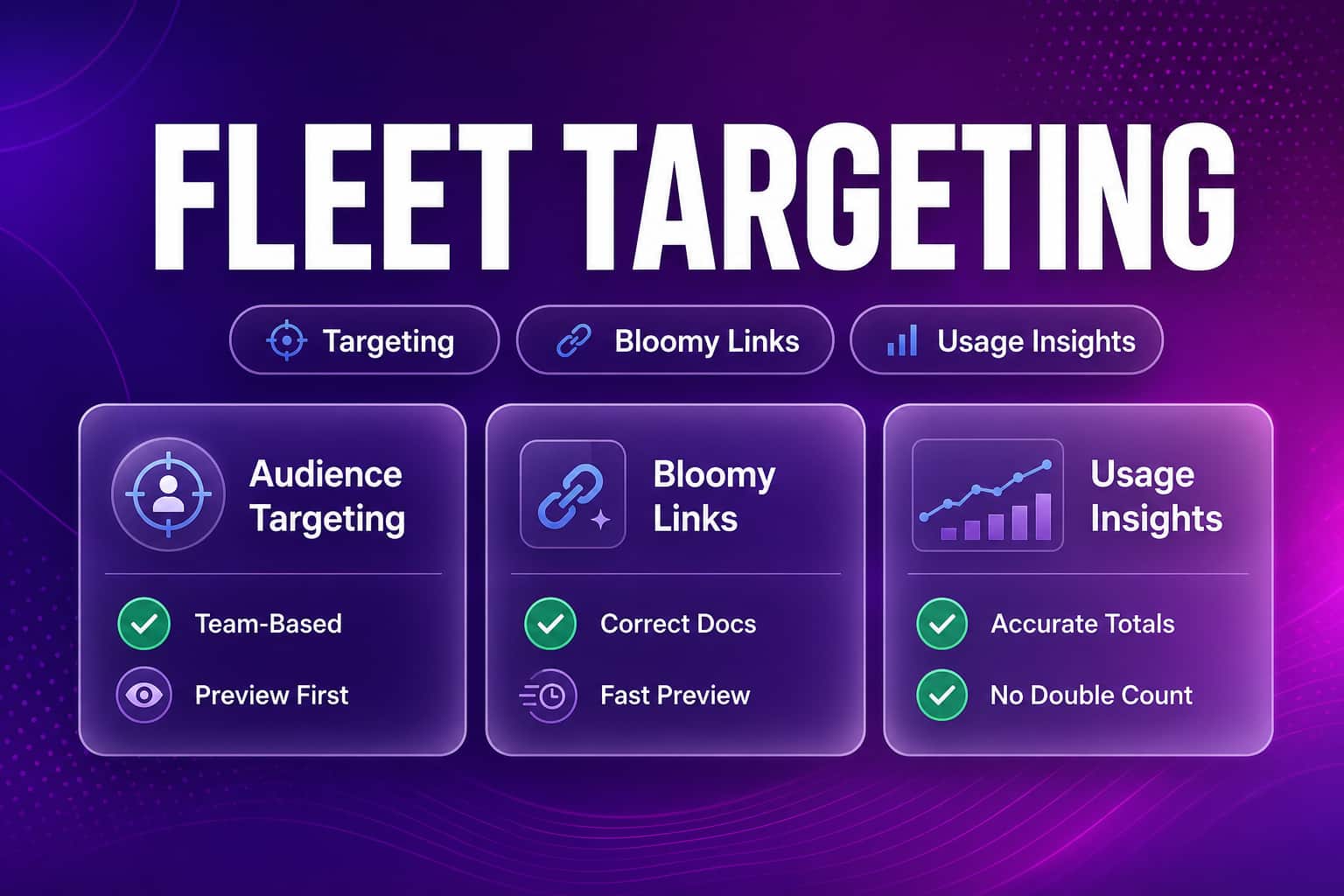
Admins can now target device agent features by employee, team, or department. Bloomy links open the right file, and Usage Insights no longer double-counts browser time.
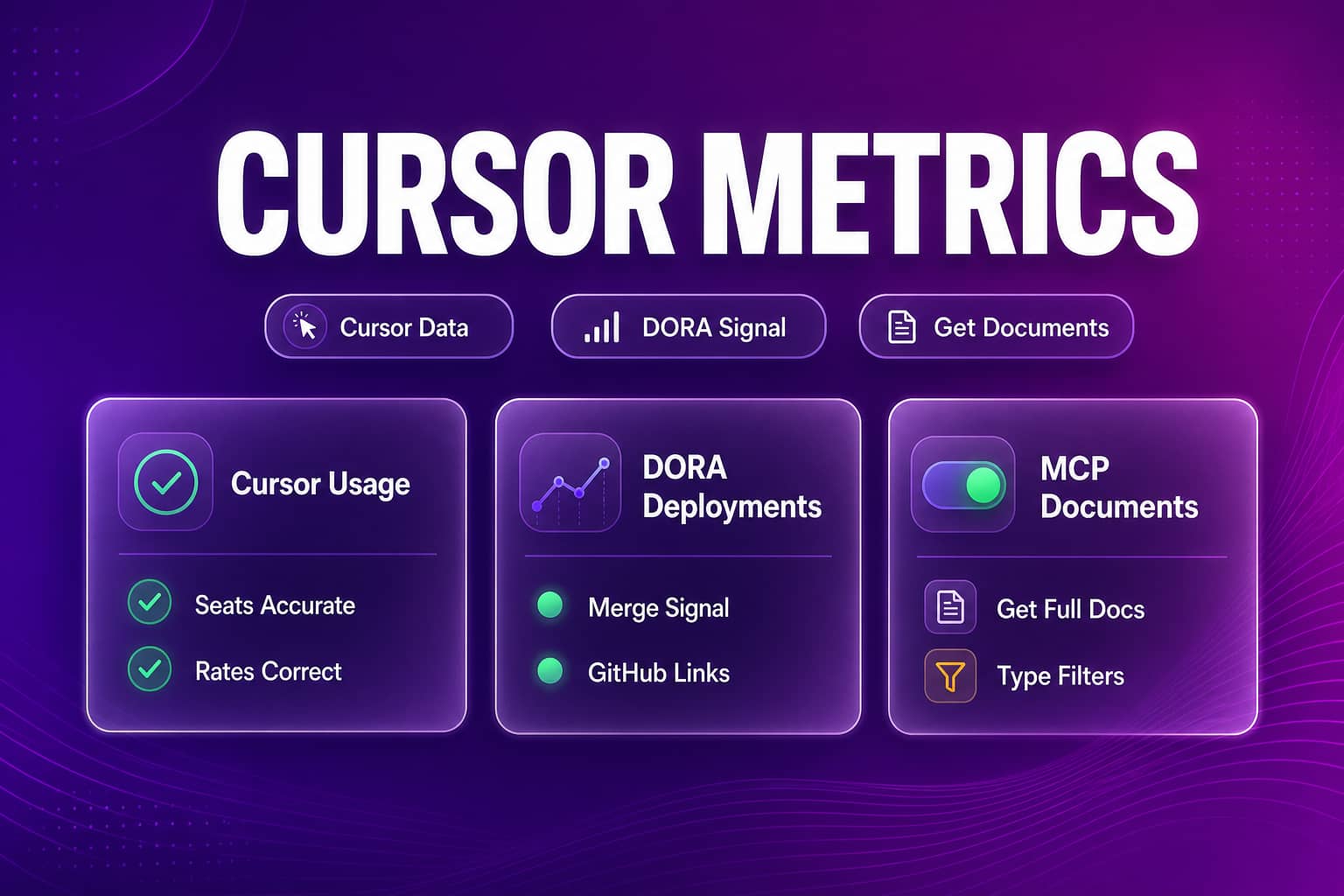
Cursor and DORA engineering metrics are accurate again, MCP-connected assistants can fetch full documents, and meeting recordings recover automatically.
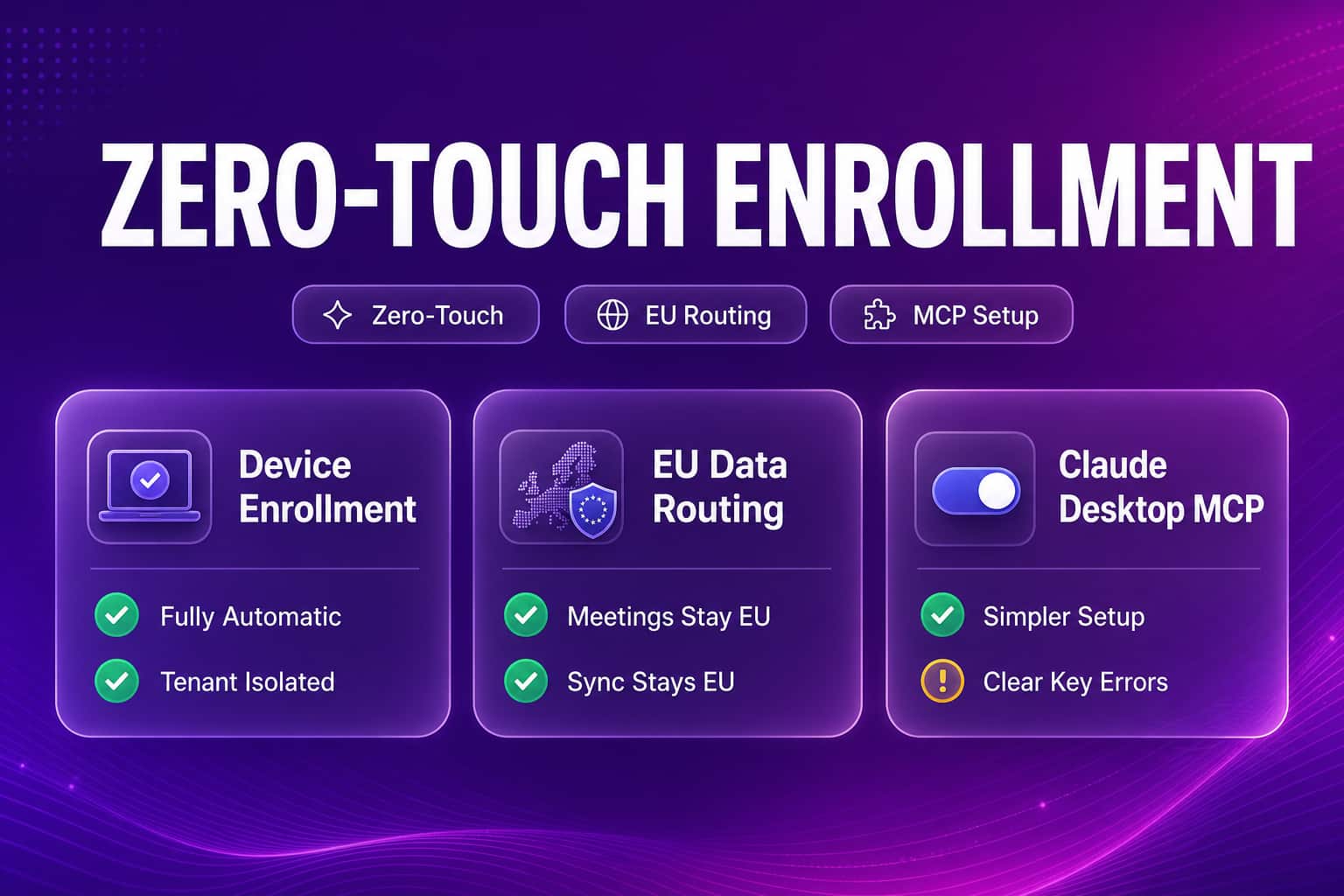
Meeting transcripts and Bloomy Tasks reports hold up better on edge cases, device enrollment is now automatic with EU data routing, and Claude Desktop MCP setup got simpler.
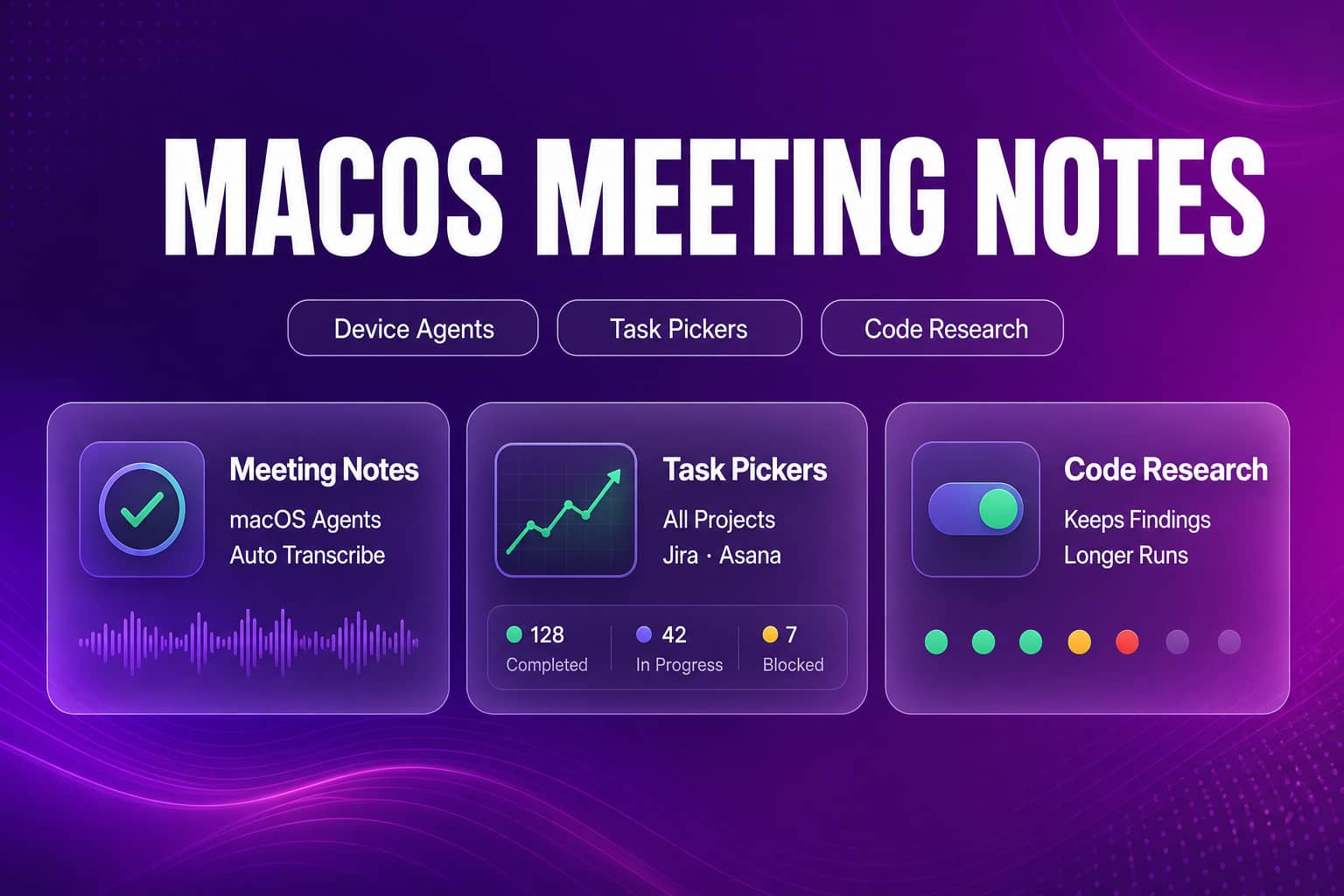
Meeting Notes brings recorded audio into searchable transcripts for macOS device agents. Task project pickers show every project, and Bloomy code research keeps its findings on long investigations.
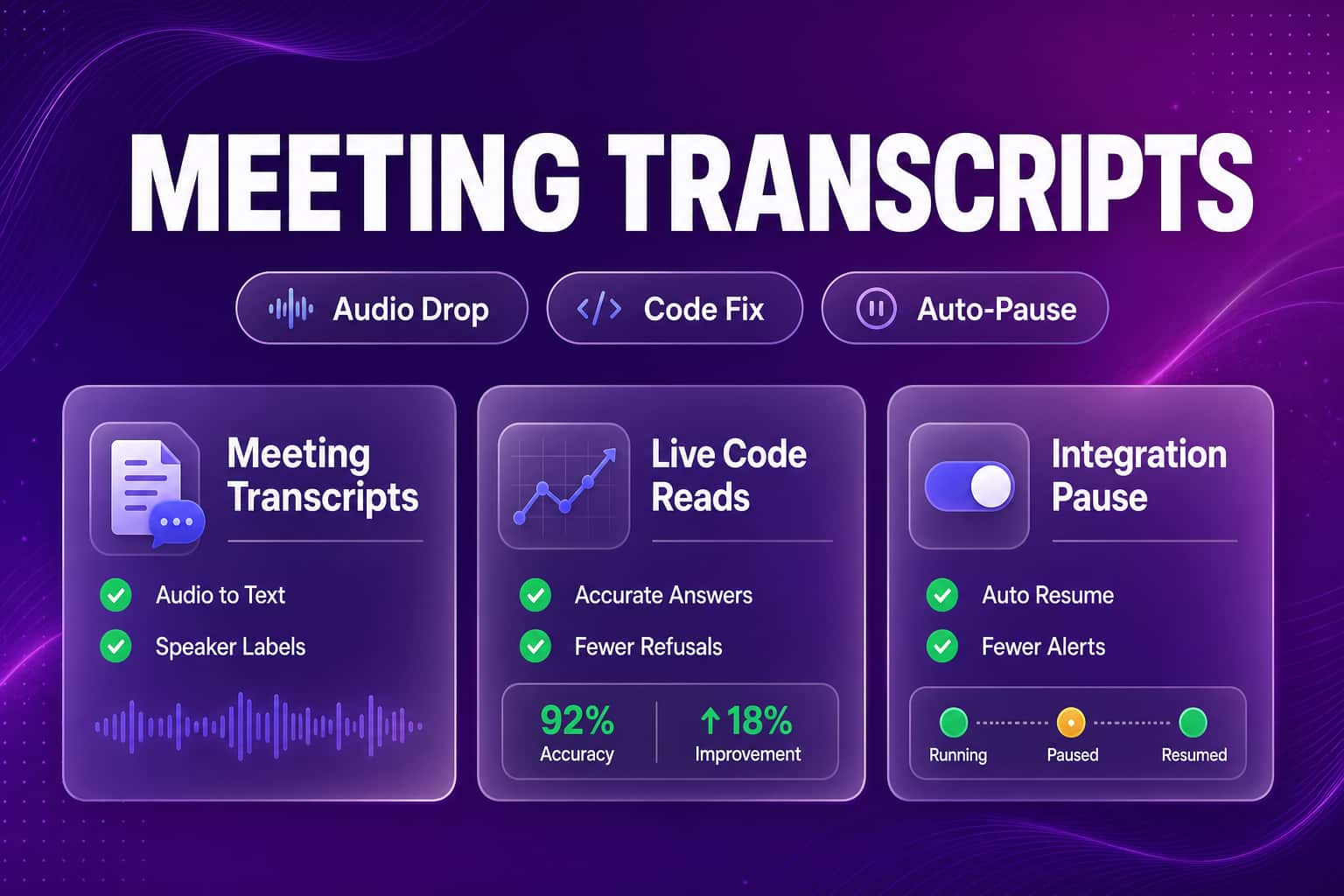
Audio dropped into Bloomy now transcribes into searchable Meeting Transcripts. Bloomy reads live GitHub code correctly, and unfixed integrations pause instead of failing nightly.
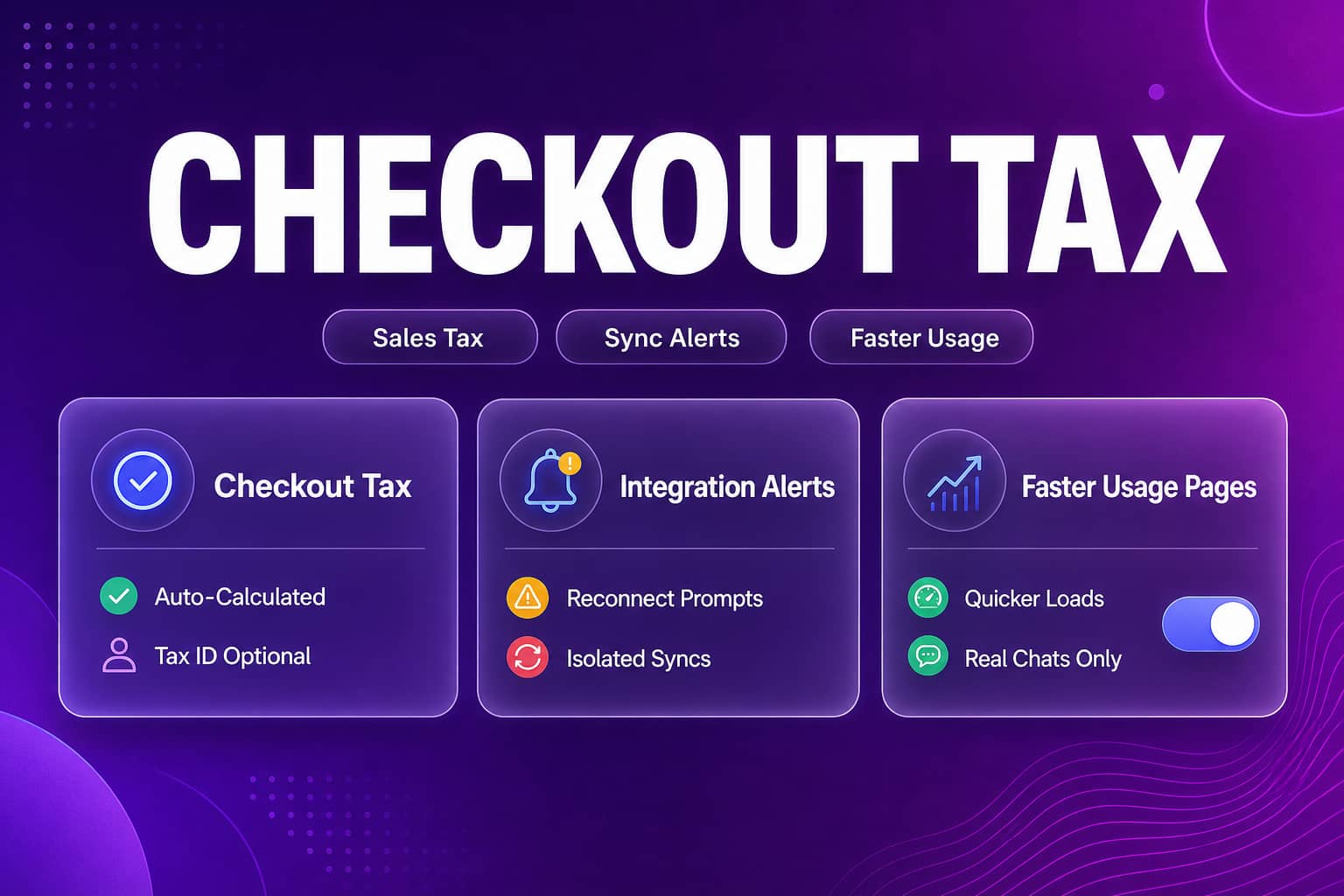
Self-serve checkout now calculates sales tax automatically. Integrations alert admins directly when a reconnect is needed, and Bloomy's conversation history separates real chats from scheduled task run conversations.
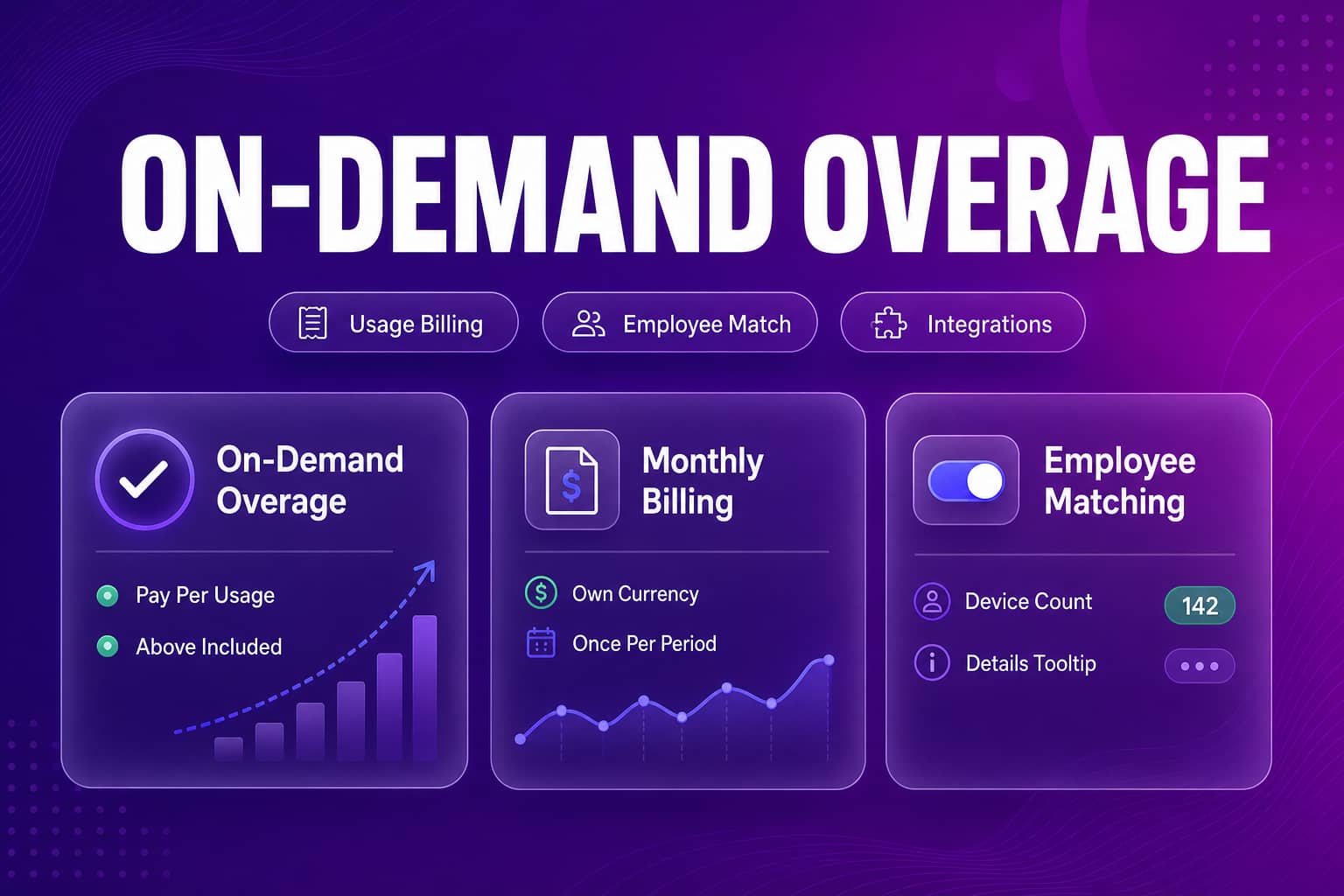
On-demand overage billing lets teams who lean on Bloomy keep working past their included limits and pay for the extra usage monthly. The Integrations employee picker now shows device counts.
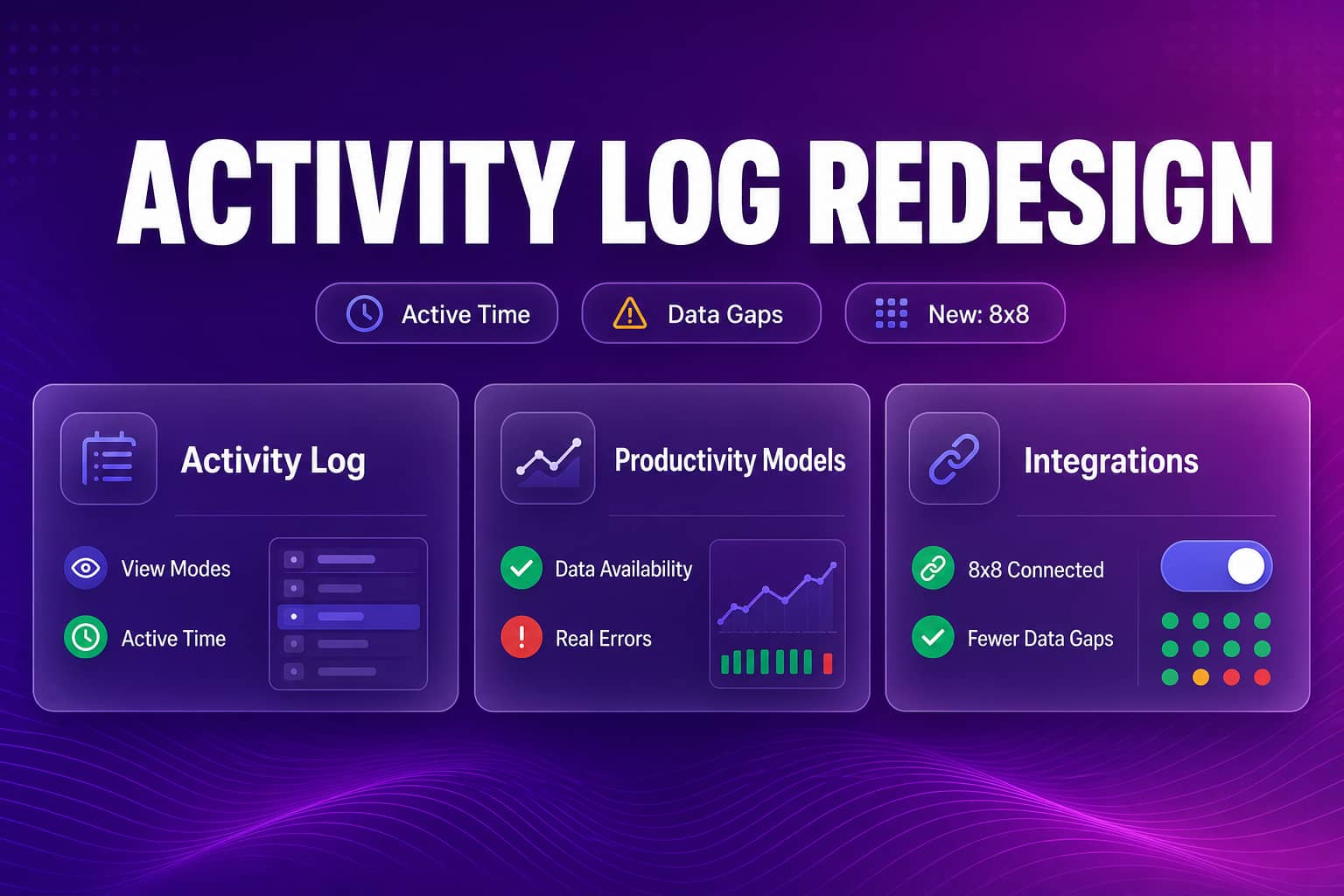
The Activity Log adds active-time view modes and accurate page addresses. Microsoft 365 and Google Workspace data gaps self-heal, and Productivity Models fail with real reasons.
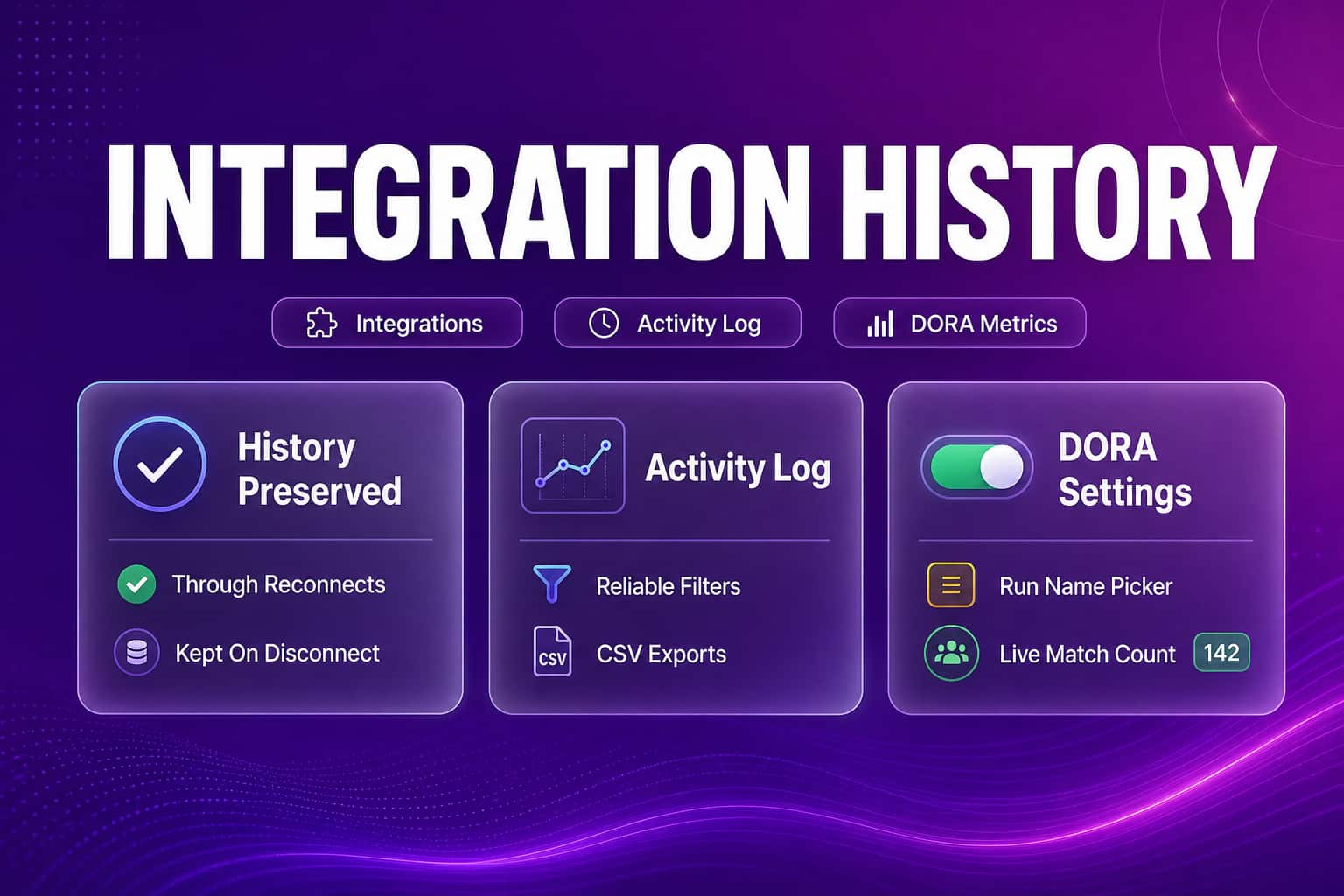
Activity Log filtering and loading get more reliable, DORA production metrics get more accurate, integrations keep their history through reconnects, and Bloomy task reports get shorter.
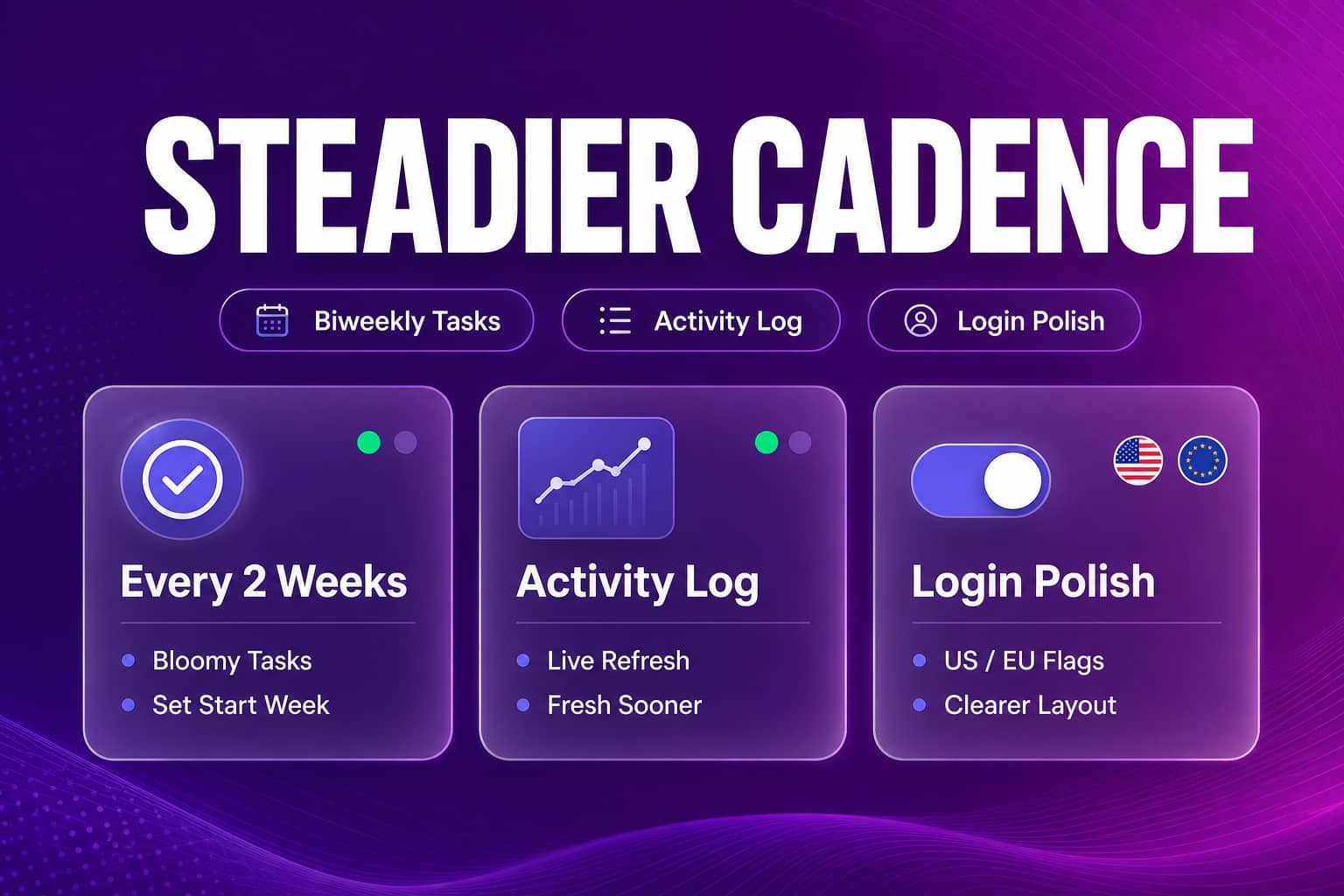
Bloomy scheduled tasks can now run every 2 weeks from a chosen start week, the Activity Log refreshes on demand and updates live during device runs, and the login region switcher is clearer.
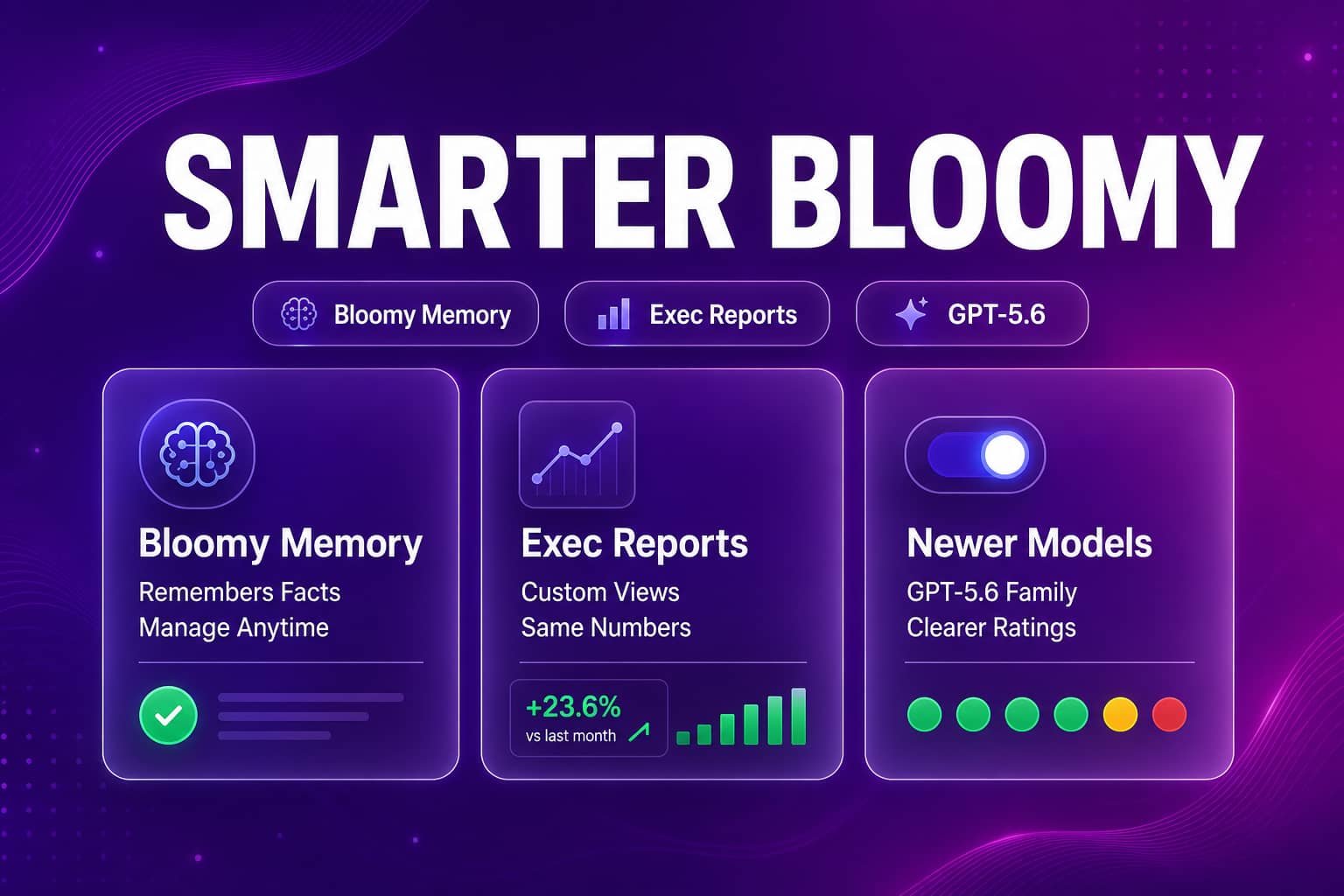
Bloomy now remembers durable facts across conversations, delivers your Engineering Custom View reports with dashboard-accurate numbers, adds GPT-5.6 models, and runs steadier scheduled tasks.
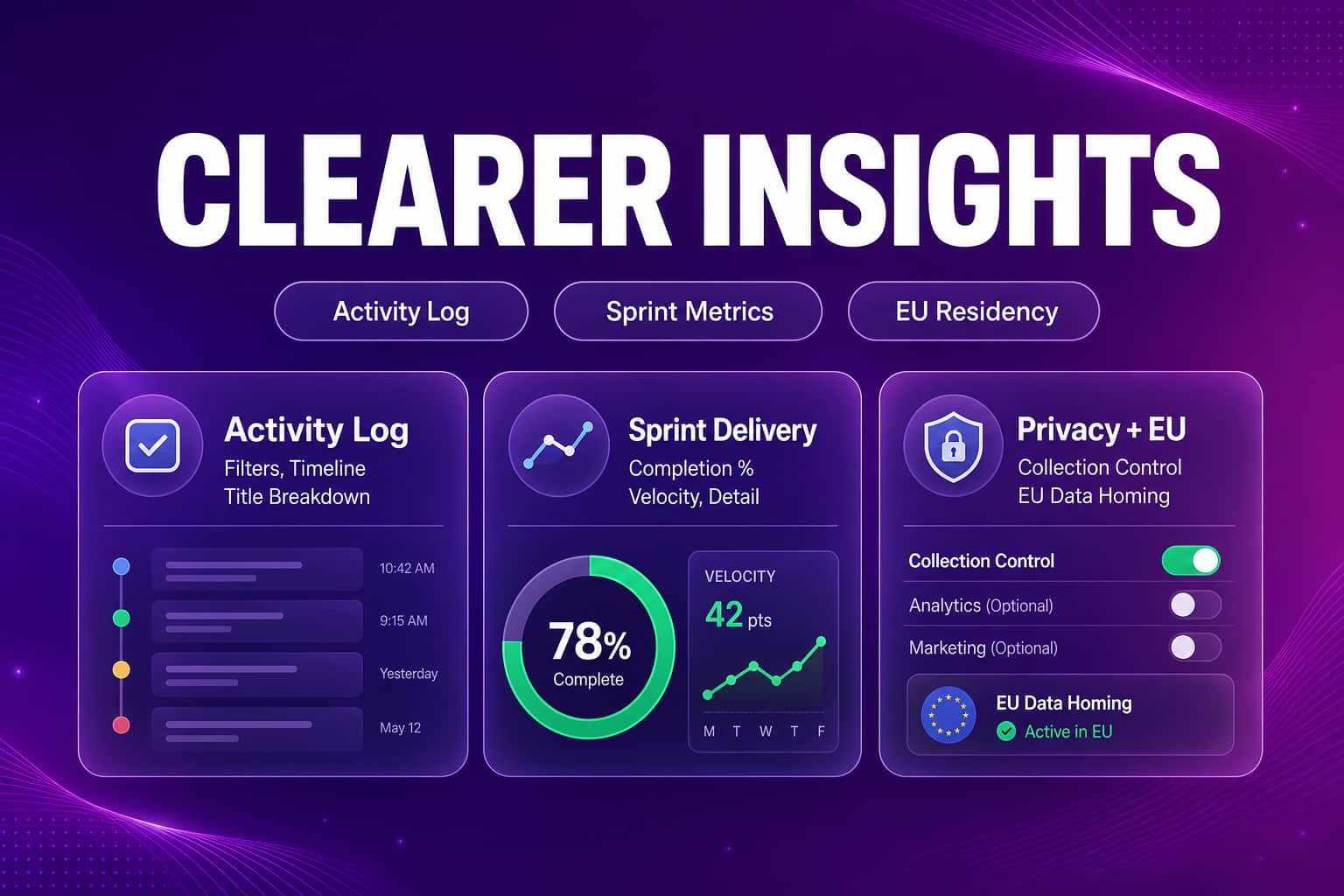
The Activity Log gains filters, a fuller timeline, and more accurate device matching. Engineering Insights adds sprint delivery metrics, plus on-demand usage data and clearer EU residency defaults.
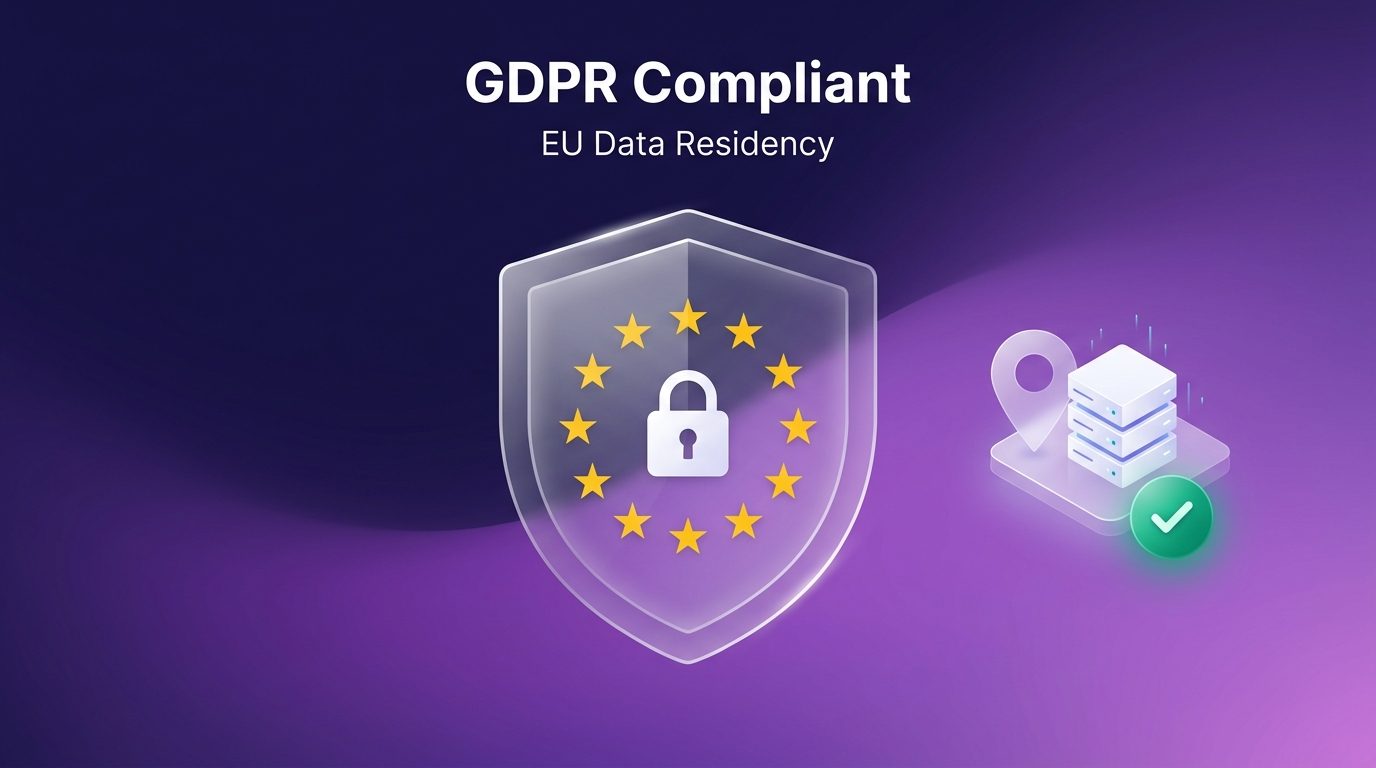
Abloomify announces its GDPR compliance program: a dedicated EU environment with full data residency in Frankfurt, deny-by-default data collection for EU companies, and a publicly available DPA.