GitHub Copilot vs Claude Code (2026): Which One Fits Your Team
November 5, 2026
Reza Vatani
11 min read

GitHub Copilot vs Claude Code is the comparison that keeps coming up once a team has more than one AI coding tool on the corporate card. Both write real code and both save real time on the right task. What most comparisons skip is whether either one changes your delivery numbers, which is the question Abloomify is built to answer.
Key Takeaways
Q: GitHub Copilot vs Claude Code, which should my team use?
A: Copilot fits teams that want AI help inside their editor and the GitHub workflow they already run. Claude Code fits teams that want to delegate larger multi-step tasks to an agent from the terminal. Many teams run both. The one to standardize on is the one your PR cycle time rewards.
Q: What is the main difference between them?
A: Where the AI lives. Copilot is an assistant that sits in the editor and across GitHub (completions, chat, pull request help). Claude Code is Anthropic's coding agent, invoked from a terminal or an editor extension, that reads a repo, edits files, runs tests, and iterates before handing back a result.
Q: Can I run both at once?
A: Yes. A common split is Copilot for everyday inline help and Claude Code for bigger delegated tasks. The tradeoff is that your usage signal splits across two tools, which makes it harder to say whether either one is making the team ship faster.
Q: How do I know which one is paying off?
A: Look at output, not opinions. Abloomify connects Copilot and Claude Code usage to PR cycle time, throughput, and review health, and separates human from AI agent contribution, so the answer comes from your own delivery data.
GitHub Copilot vs Claude Code: the short answer
The short answer is that these two tools are built for different moments in the workday, which is why choosing between them is less binary than it looks. Copilot is an assistant that lives where you already work: inline suggestions while you type, chat in the editor, and help on GitHub itself, such as summarizing and reviewing pull requests. Claude Code is an agent you reach for when a task is big enough to hand off. You describe the outcome from a terminal or an editor extension, and it reads the repo, plans, edits across files, runs your tests, and loops until it is done or needs you. If your engineers spend most of the day in small, fast edits and want AI to stay out of the way, Copilot's form factor fits. If they have a migration, a dependency bump across forty files, or a gnarly refactor they would rather not babysit, Claude Code's form factor fits. Neither preference shows up on a feature list. It shows up in which tool actually touches your PR volume and what happens to review time afterward.
How do GitHub Copilot and Claude Code differ?
GitHub Copilot and Claude Code differ mostly in where the agent lives and how much autonomy you give it per request. Copilot started as inline completion and has grown into chat, pull request assistance, and agent-style features inside the editor and on GitHub, with administration and policy controls that GitHub-centric organizations already understand. Claude Code started from the opposite end. It is a terminal-native agent, also available through editor extensions, built around longer autonomous runs, project-level instructions, and MCP so it can pull in context beyond the repo. Both products keep changing quickly, and the gap between "assistant" and "agent" is narrowing on both sides, so treat any feature table as a snapshot. What stays stable is the center of gravity. Copilot is anchored to the editor and to GitHub. Claude Code is anchored to the task you hand it.

Where GitHub Copilot wins
GitHub Copilot wins when convenience and fit with the existing GitHub setup matter most. It runs inside the editors your engineers already use, so there is almost nothing to adopt, and the suggestion appears while you are still typing. Because it is built by GitHub, it connects naturally to pull requests, issues, and organization-level controls, which matters to the IT and security people who have to approve and audit any new tool. It also lets you pick among several models, so you are not locked into one provider. The tradeoff is that the interactive, assist-as-you-type loop suits small and medium edits better than a large change you would rather delegate. And because it is so easy to turn on, adoption can spread faster than anyone's measurement of it.
Where Claude Code wins
Claude Code wins when the task is big enough that you do not want to supervise every step. Because it runs from a terminal, it fits places an editor-bound assistant cannot easily reach: start a large refactor before a meeting and review a branch afterward, point it at a failing test suite, or script it into CI. It does not ask anyone to switch editors, and its MCP support means it can reach company context beyond the codebase if you connect it. The more autonomous the tool, the more your review habits matter, because it is easy to skim a large diff that looks right. The tradeoff is wall-clock time (a long autonomous run takes longer than a quick suggestion) and a terminal-first workflow that has a learning curve for engineers who live in a GUI.
GitHub Copilot vs Claude Code: feature comparison
On a feature comparison, Copilot competes as an in-editor assistant tied to GitHub and Claude Code competes as a portable agent, so the right read depends on how your team already works. The table below reflects how each tool is positioned as of late 2026. Both change fast, so check current plans and pricing on each vendor's site before you budget.
| Dimension | GitHub Copilot | Claude Code |
|---|---|---|
| Form factor | Assistant in the editor and on GitHub | Terminal-native agent, plus editor extensions |
| Strongest at | Inline help, chat, GitHub-centric workflows | Long, multi-step tasks across many files |
| Fits your current editor | Yes, runs in the editors you already use | Yes, via CLI or an extension |
| Model choice | Multiple models, user-selectable | Anthropic's Claude models |
| Automation and CI use | Tied to GitHub features | Scriptable and runnable non-interactively |
| MCP support | Yes | Yes, native |
| Typical rollout | Seats enabled by org admins | Individual or team adoption, often bottom-up |
GitHub Copilot
Claude Code
The question the Copilot vs Claude Code debate skips
The question almost every GitHub Copilot vs Claude Code comparison skips is the one an engineering leader has to answer for the CFO: did either tool move delivery, and can you show it. You will find plenty of threads about which one feels smarter on a given prompt and almost none that tie either tool to PR cycle time, throughput, or review health. Most leaders can name the seat count for each AI coding tool they pay for without being able to say whether the seats earn their keep. "Engineers say it helps" is a self-report. More AI-generated code sitting in a review queue is not the same thing as more shipped value, and if review cannot keep up, faster authoring just moves the bottleneck.
How to measure Copilot vs Claude Code ROI
You measure whether Copilot or Claude Code is paying off by connecting tool usage to engineering output instead of asking engineers how it feels. Abloomify imports usage signals from GitHub, Claude, and Cursor, then correlates them with PR cycle time, throughput, and review health, and separates human from AI agent contribution across tasks, code, and reviews. You get adoption by team and an honest read on whether the spend is turning into faster, safer delivery. It stays privacy-first and PII-free on the metrics side: no screenshots, no keyloggers, no reading of code content, just usage and output signals.
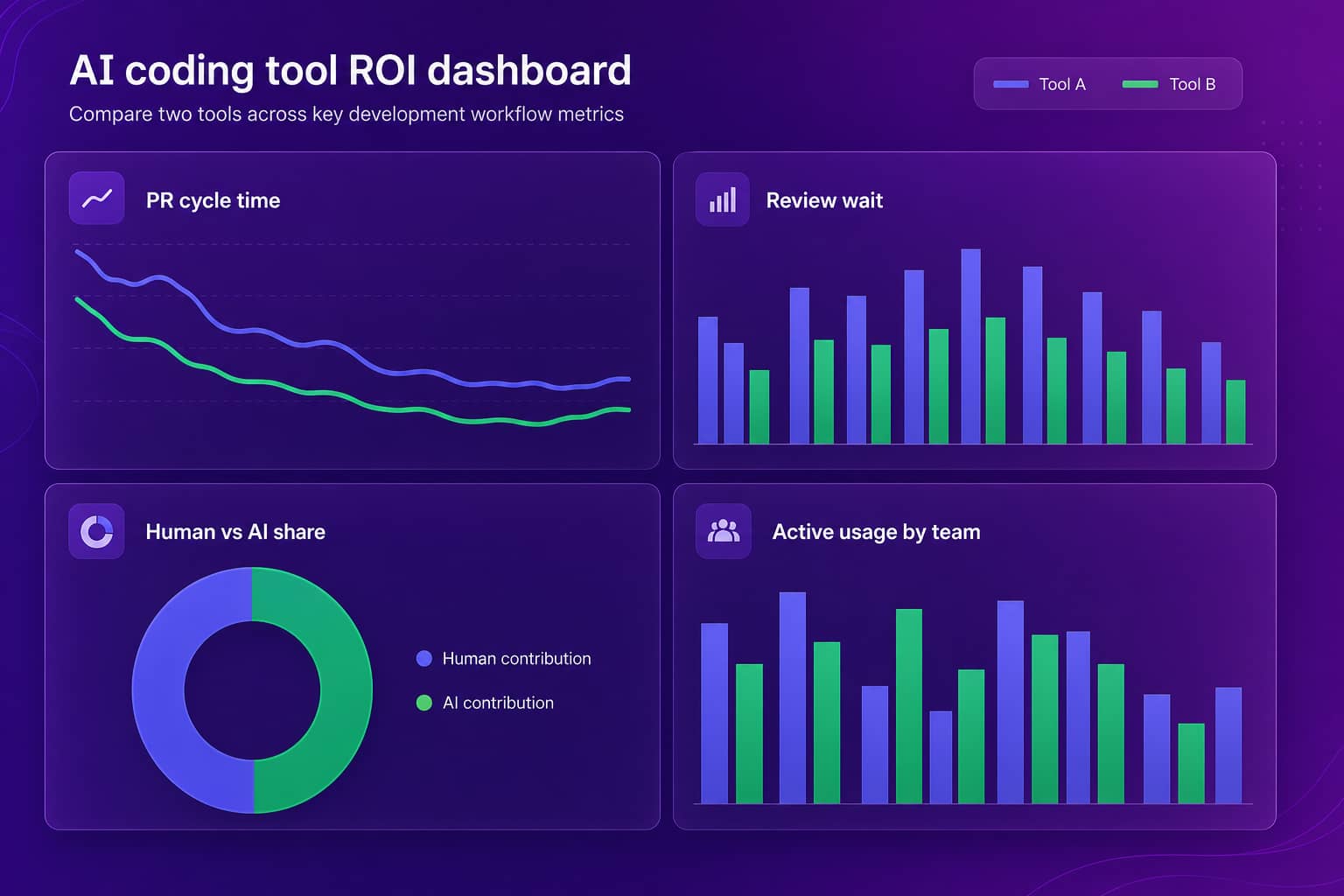
A few signals separate a tool that earns its seat from one that is just installed:
- Active usage per engineer, not licenses purchased.
- PR cycle time against your pre-rollout baseline.
- Review wait time, to see whether faster authoring only pushed the queue downstream.
- Human versus AI agent share of the work, so any throughput gain is read honestly.
- Rework, meaning reverted or heavily edited commits, so speed is not bought with quality.
For more on the measurement side, see our guides to GitHub Copilot metrics, AI coding tools for engineering leaders, and Claude Code usage. If Cursor is also in your stack, Cursor vs Claude Code and Copilot vs Cursor cover those pairings.
How to decide between GitHub Copilot and Claude Code
Decide between GitHub Copilot and Claude Code by looking at how your team works, how big the tasks are, what governance you need, and how you will measure the result, in that order. If most of the work is small and medium edits in a shared editor setup, and your security team wants one vendor and one admin console, start with Copilot. If your best engineers keep asking to hand off big chunks of work, or you want a tool you can script into CI, pilot Claude Code with a few teams. If you do both, that is fine, but write down the baseline first. Pair any rollout with real AI governance, because shadow adoption of a new agent tends to outrun policy by a few months. I would pilot with one team each for a month and compare cycle time and review wait. Then let the data pick.
FAQ
GitHub Copilot vs Claude Code: which is better?
Neither wins everywhere. Copilot is strongest when you want AI help inside the editor and the GitHub workflow you already use. Claude Code is strongest when you want to hand off a larger multi-step task and review the result. The better question is which one moves your PR cycle time and review health on your own codebase.
Is Claude Code better than GitHub Copilot?
It depends on the job. For long, multi-file tasks that benefit from an agent running tests and iterating, many engineers prefer Claude Code. For quick inline help and anything tied to GitHub itself, Copilot is hard to beat on convenience. Your delivery data, not a feature list, should settle it for your team.
Can you use GitHub Copilot and Claude Code together?
Yes, and plenty of teams do. A common split is Copilot for inline completions and chat while Claude Code handles bigger delegated tasks. The cost of running both is a split usage signal across two systems, so you need a way to see combined adoption and output in one place.
Is Claude Code a GitHub Copilot alternative?
Partly. Both help engineers write code with AI, but they sit in different places. Copilot is an assistant that lives in your editor and on GitHub. Claude Code is an agent you invoke from the terminal or an editor extension. Some teams swap one for the other, others use them for different tasks.
How do you measure GitHub Copilot vs Claude Code ROI?
Connect tool usage to delivery output. Abloomify imports usage signals from Copilot, Claude Code, and Cursor, then correlates them with PR cycle time, throughput, and review health, and separates human from AI agent contribution. That gives you a comparison built on your own data instead of vendor benchmarks.
Which is cheaper, GitHub Copilot or Claude Code?
Pricing changes often and depends on plan, seat count, and usage, so check each vendor's pricing page before you budget. The more useful comparison is cost per outcome: seat or usage spend divided by what changed in cycle time, throughput, and rework once the tool was in use.
Copilot vs Claude Code is not a debate you settle once. It is a question your delivery data should keep answering as both tools change. See how Abloomify measures AI coding tool ROI across Copilot, Claude Code, and Cursor →

Reza Vatani
Co-Founder & CAIO
AI-driven entrepreneur with a strong background in robotics and advanced analytics. PhD from Old Dominion University and former Product Development leader at Nasdaq Verafin.