Pull Request Template: What to Include and What to Skip
October 9, 2026
Amir Tavafi
9 min read

A pull request template is a markdown file that pre-fills the description of every new pull request, so the author answers the same few questions before a reviewer opens the diff. Teams roll one out in an afternoon and still get empty descriptions a month later. The file is easy. Writing one people keep filling in is the hard part.
Key Takeaways
Q: What should a pull request template include?
A: Why the change exists, what changed in plain language, the risk and how to roll it back, how to test it, and a short author checklist. Screenshots only for UI work. Anything a linter or CI job can check should be automated instead of listed.
Q: Where do I put a pull request template on GitHub or GitLab?
A: On GitHub, save pull_request_template.md in the repo root, docs/, or .github/. On GitLab, save markdown files in .gitlab/merge_request_templates/ and name one Default.md. Both platforms pre-fill the description of every new request with the file.
Q: How do I know the template is working?
A: Watch the flow, not the compliance. If time to first review, PR size, and re-review loops do not move after rollout, the template is decoration. Abloomify computes these from GitHub and GitLab data so you can compare before and after.
Q: Do AI coding tools change what a template needs?
A: Slightly. Add one line asking what was AI-generated and what the author read line by line. Abloomify separates human and AI agent contribution across code and reviews, which shows whether review attention is keeping pace with AI-assisted volume.
What Belongs in a Pull Request Template
A good pull request template asks five questions and no more: why this change exists, what changed in plain language, what could break and how to undo it, how a reviewer can test it, and whether the author did the basic checks. Screenshots are the one conditional section, and they only matter for UI work. The reason for the short list is practical. A reviewer who opens a diff with no context has to reverse-engineer intent from code, which is the slowest and least reliable way to review anything. A description that answers why and what lets the reviewer spend attention on the risky part of the diff instead of figuring out what the author was trying to do. Everything beyond those five questions is optional, and optional sections tend to get deleted in the first week.
Here is a version you can paste into
.github/pull_request_template.md today:## Why
<!-- The problem or ticket. One or two sentences. Link the issue. -->
## What changed
<!-- Plain-language summary of the approach. Not a file list. -->
## Risk and rollback
<!-- What could break. How to undo it (flag, revert, migration note). -->
## How to test
<!-- Steps a reviewer can run, or point to the tests that cover it. -->
## Screenshots
<!-- UI changes only. Delete this section otherwise. -->
## Author checklist
- [ ] Tests cover the behavior I changed
- [ ] This diff is small enough to review in one sitting
- [ ] I read every line of anything AI-generated
The risk and rollback section earns its place more than any other. Authors rarely volunteer it, and it is the one that tells a reviewer which file to read twice.
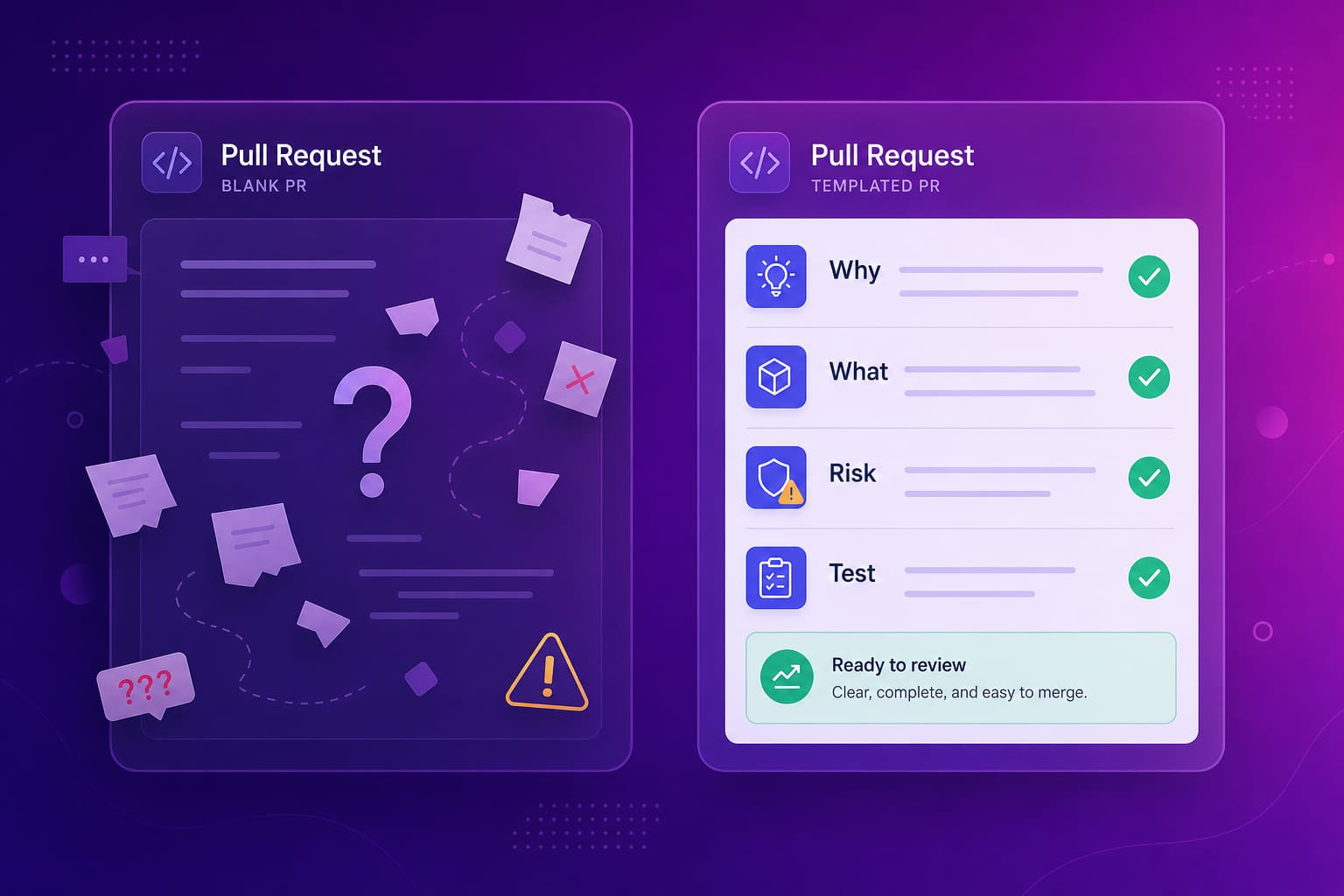
GitHub Pull Request Template vs GitLab Merge Request Template
GitHub and GitLab handle templates the same way in spirit and differently in file layout. On GitHub, a single
pull_request_template.md goes in the repo root, a docs/ folder, or .github/, and its contents pre-fill every new pull request. For multiple templates, you create a .github/PULL_REQUEST_TEMPLATE/ folder with several markdown files and select one with a template query parameter in the compare URL. GitLab calls pull requests merge requests and keeps templates in .gitlab/merge_request_templates/. A file named Default.md there becomes the default description, and any other files appear in a dropdown when someone opens a merge request. The content you write is identical on both. Only the folder and the way you pick between templates changes, so one template works across a mixed GitHub and GitLab setup if you copy it over.If your company runs both, keep the template text in one place and sync it. Two drifting copies of a template is how you end up with a team that follows one and ignores the other.
Abloomify connects to GitHub and GitLab, so the same PR flow signals show up regardless of which platform a team uses. There is a walkthrough in the GitLab integration guide.
What to Cut From Your Template
Cut anything a machine can check, anything that only applies to one kind of change, and anything you would not be willing to enforce in review. Long templates fail for a predictable reason: each section is a small tax on every author, every time, and people pay it by pasting "N/A" without reading the prompt. Once "N/A" becomes habit, the sections that matter get the same treatment. The sections I'd remove first are the ones that duplicate tooling. Lint status, test pass state, and required reviewers all belong in CI and CODEOWNERS, where they run whether or not anyone remembers them. A prompt asking "did you update the changelog" is a check that should be a failing job. The template should hold only the things that need human judgment, because those are the things a machine cannot ask.
A rough test for each line: if an author could fill it in correctly without thinking, it does not belong.
Pull Request Size Matters More Than the Template
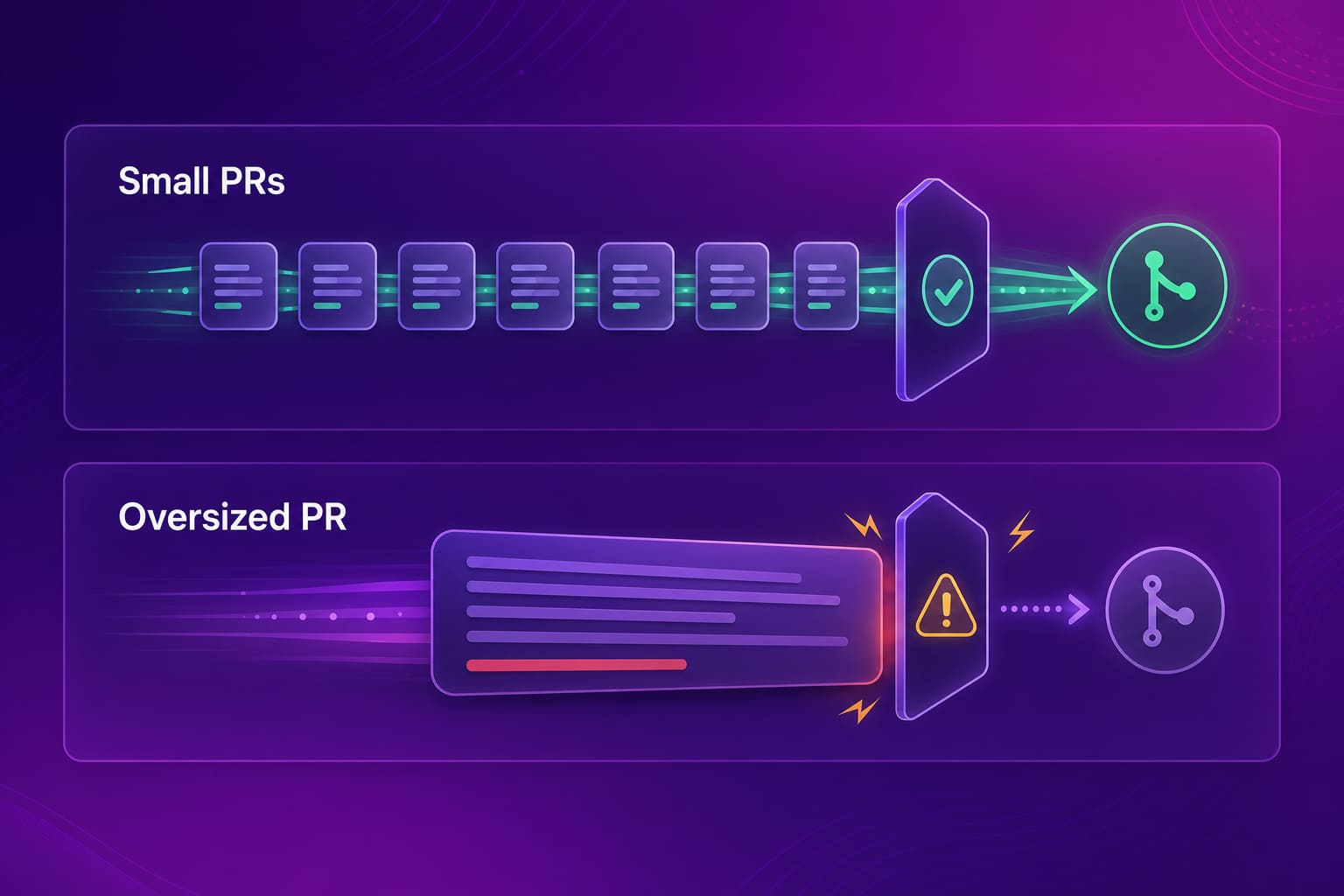
A pull request template cannot rescue a diff that is too big to review. When a pull request touches dozens of files, the reviewer's honest options are to skim it, to defer it, or to approve on trust, and a polished description makes none of those less likely. The template helps with context. Size decides whether review is possible at all. This is why the strongest line in most templates is the one nudging authors to split work: "This diff is small enough to review in one sitting." It is a checkbox, but it changes what authors do before they open the pull request, which is the only moment splitting is cheap. Teams that care about review speed end up caring about size first and description quality second. If you want the longer version of that argument, the code review checklist and the playbook on right-sizing diffs and WIP go deeper.
How to Tell If Your Pull Request Template Is Working
A pull request template is working if the review flow gets healthier, and the only way to know is to measure the flow before and after you roll it out. Compliance is the wrong thing to track. A template can be filled in perfectly and still produce slow reviews if the underlying problem is oversized diffs or one overloaded reviewer. The signals worth watching are time to first review, PR size, re-review loops, cycle time from open to merge, and self-merge rate. Abloomify computes all of these straight from GitHub and GitLab, alongside the DORA metrics, and it does it with PII-free signals, with no screenshots or content capture. That is the privacy-first part: the signal is how work flows, not what any individual typed.
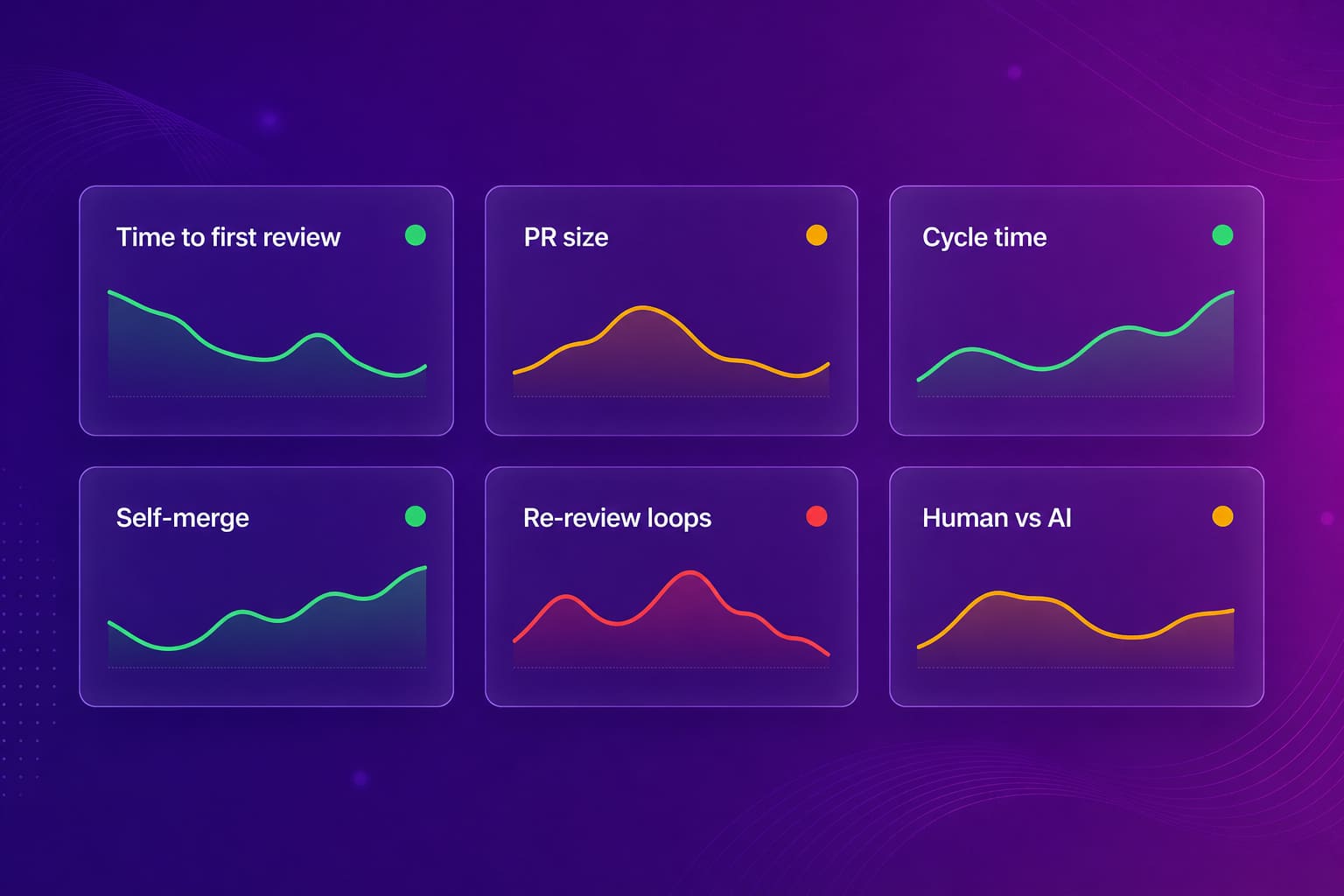
Pick a window, say four weeks before and four weeks after, and look at the same signals on both sides. If nothing moved, change the template or drop it. A template that does not change the numbers is just a file in
.github/.For the review-speed side of this, how to reduce code review cycle time covers the levers that usually matter more than the template does.
Pull Request Templates for AI-Assisted Code
AI-assisted pull requests need one extra line in the template, and it is about where the reviewer should look. Cursor, Copilot, and Claude Code produce diffs that read cleanly and compile, which makes them easy to approve quickly. When our own engineering team moved to Cursor, the code arriving for review grew faster than our habits for reviewing it, and descriptions got thinner exactly when they needed to get richer. The small fix is a template line asking the author to say what was generated and what they read line by line. It changes the reviewer's job from "is this correct" to "is the part the author did not read correct". If you want a deeper look at reviewing machine-written code, see AI code review.
Abloomify separates human and AI agent contribution across tasks, code, PRs, and reviews, and correlates Cursor, Claude Code, and GitHub Copilot usage with engineering output. That lets an engineering leader see whether AI adoption is showing up as shipped work or just as bigger diffs. The engineering productivity analytics page shows how this fits together.
FAQ
Where does a pull request template go in a GitHub repo?
Save it as
pull_request_template.md in the repo root, in docs/, or in the .github/ folder. GitHub pre-fills every new pull request description with its contents. For several templates, put files in a .github/PULL_REQUEST_TEMPLATE/ folder and pick one with a template query parameter in the URL.What is the GitLab equivalent of a pull request template?
GitLab calls pull requests merge requests, and the templates live in
.gitlab/merge_request_templates/ as markdown files. A file named Default.md becomes the default description for new merge requests. Other files in that folder show up in a template dropdown when someone opens a merge request.How long should a pull request template be?
Short enough that nobody deletes it. Four to six prompts is the range that tends to survive. Every extra section is another thing the author learns to skip, and once people skip one section they skip all of them. Cut anything that a linter, CI check, or CODEOWNERS file can enforce instead.
Does a pull request template make code review faster?
It can, but check rather than assume. The signals to watch are time to first review, PR size, re-review loops, and cycle time from open to merge. Abloomify tracks these straight from GitHub and GitLab, so you can compare the weeks before and after a template rolls out.
Should AI-generated pull requests use a different template?
Same template, one extra line: say what was generated and what a human read line by line. Cursor, Copilot, and Claude Code produce diffs that look confident, and reviewers need to know where to spend attention. Abloomify separates human and AI agent contribution across code and reviews so the team can see the split.

Amir Tavafi
Co-Founder & CEO
Product leader and innovator with over 15 years of experience in the tech sector, grounded in AI and robotics. Previously led product development in fraud detection and AI solutions at Nasdaq Verafin.