7 Tools to Find Unused SaaS Licenses (2026)
October 19, 2025
Walter Write
12 min read

Key Takeaways
Q: Why do companies keep paying for licenses nobody uses?
A: Software gets bought by department, not by IT. Nobody owns the renewal, usage goes invisible the day after purchase, and when someone leaves, their seat usually stays live until an invoice raises the question.
Q: What should IT leaders look for in a SaaS management tool?
A: Usage measured at the person level rather than login counts, automatic flags when a seat goes quiet, discovery of tools bought outside IT, an HRIS connection so departures trigger a reclaim, and recommendations specific enough to act on the same day you read them.
Q: How much can a mid-market company realistically reclaim?
A: For companies in the 100 to 500 employee range, we quote $50K to $100K a year in reclaimable license spend. Most of that sits in idle seats and duplicate tools serving the same job.
Q: Do these tools actually find shadow IT?
A: Most find some of it, and coverage depends entirely on the data source. Anything bought outside SSO and used in a browser only shows up if the platform reads device or network signals, which is where a lot of platforms quietly stop.
Nobody signs off on software that nobody uses. It happens anyway, one seat at a time. A team buys a tool on a card, four people try it, one keeps it, and the annual invoice renews without anyone reading the line item. Somebody resigns and their seat stays active because the offboarding checklist covered email and Slack and nothing else.
A once-a-year spreadsheet audit will not catch this. By the time you run it, you have already paid. What catches it is continuous usage data plus something that tells you which seats went quiet and when the renewal lands. Below are seven platforms that do that, what each is genuinely good at, and where each one runs out of road.
What Makes a SaaS Management Tool Worth Paying For?
Every platform in this category connects to roughly the same plumbing: an identity provider (Okta, Entra ID, Google Workspace), an HRIS, and a finance or expense system. Some also run a lightweight device agent to catch app usage that never touches SSO, which is exactly where the tools nobody told IT about live.
The differences that matter show up later. The first is engagement versus logins. A person who opens Figma once a month to view a file is not a Figma user, and login-based reports will happily bill you as though they were. The second is whether the platform flags an idle seat on its own or waits for you to remember to run a report. The third is whether a departure in the HRIS actually triggers a reclaim instead of a ticket someone has to pick up later. The fourth, and the one that quietly decides whether the whole project works, is whether a finding shows up with a next step attached. A recommendation you have to go research is a recommendation you will not act on, and that is where most SaaS management projects stall out. The data is usually fine.
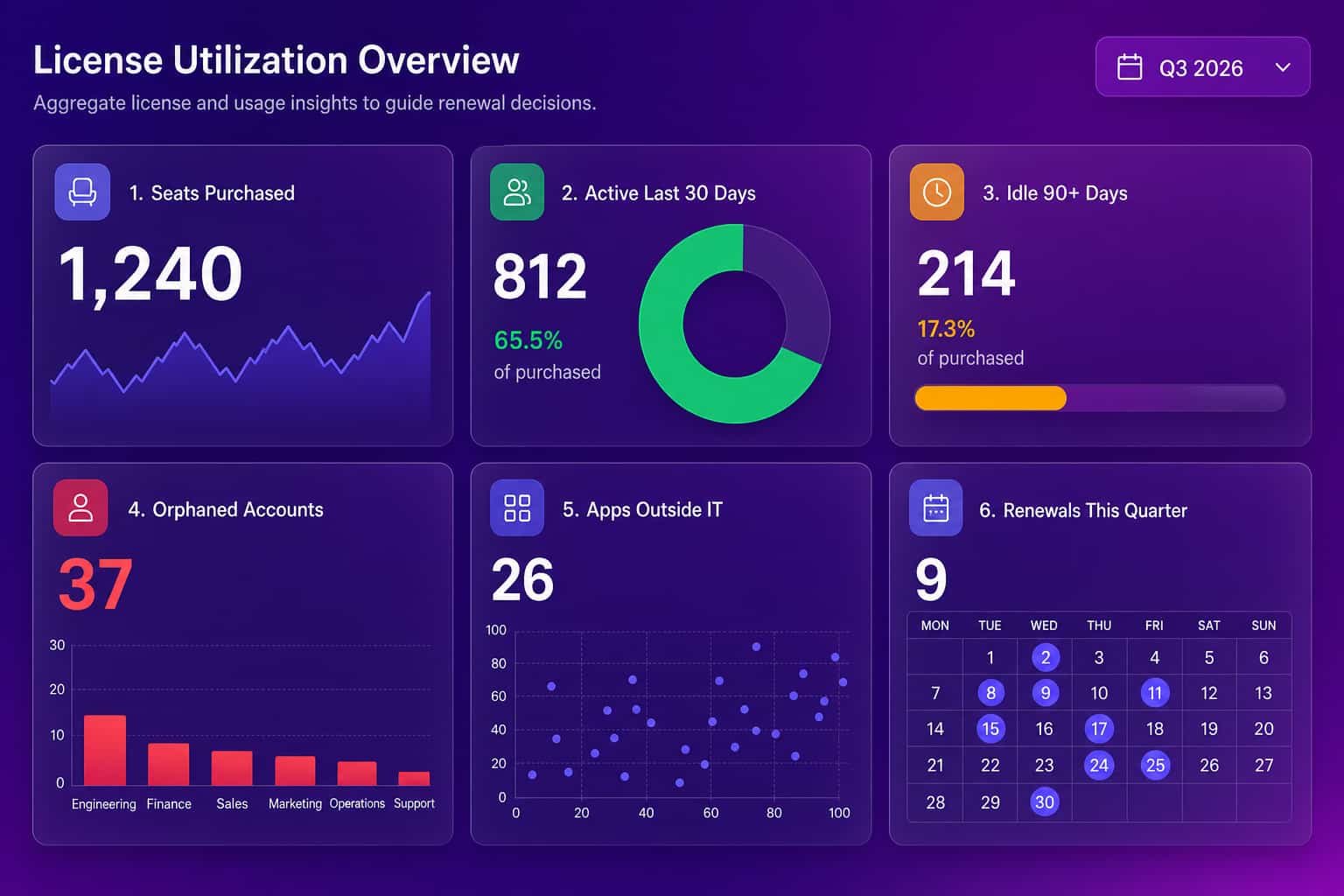
Here are the four signals worth wiring an alert to, with the thresholds we tend to start from:
| Waste signal | Data source | Example threshold | Recommended action |
|---|---|---|---|
| Unused license | SSO + app telemetry | No use in 60 to 90 days | Reclaim or downgrade seat |
| Orphaned account | HRIS + IdP | Employee departed | Deprovision; reclaim license |
| Redundant tools | Spend + usage mapping | 3+ apps for same use case | Consolidate to one vendor |
| Low adoption | Feature-level telemetry | Less than 30% active weekly | Reduce seats; address training |
How Does Abloomify Identify Unused SaaS and Where Does It Fit?
Abloomify is a privacy-first workforce intelligence platform, and license waste is one of the things it finds on the way to answering a bigger question: where does the work actually happen. That framing changes what you get out of it. Most SaaS management tools tell you a seat is idle. Abloomify can also tell you what that person did instead.
Two data layers feed it. The first is 100+ API integrations across Google Workspace, Microsoft 365, Teams, GitHub, Jira, HRIS, and CRM, all PII-free by architecture: no email content, no message content, no file content. The second is a device agent for Mac and Windows, plus a Chrome extension for web app usage, reporting aggregated app usage with no screenshots, no keyloggers, no screen recording, and no content capture. It rolls out through any MDM (Intune, Jamf, Rippling, Kandji, and more), so a fleet-wide deploy is a policy push rather than a support ticket per laptop.
That second layer is the one that matters for shadow IT. A design tool paid for on someone's personal card never appears in your SSO logs or your expense system. It appears in app usage.
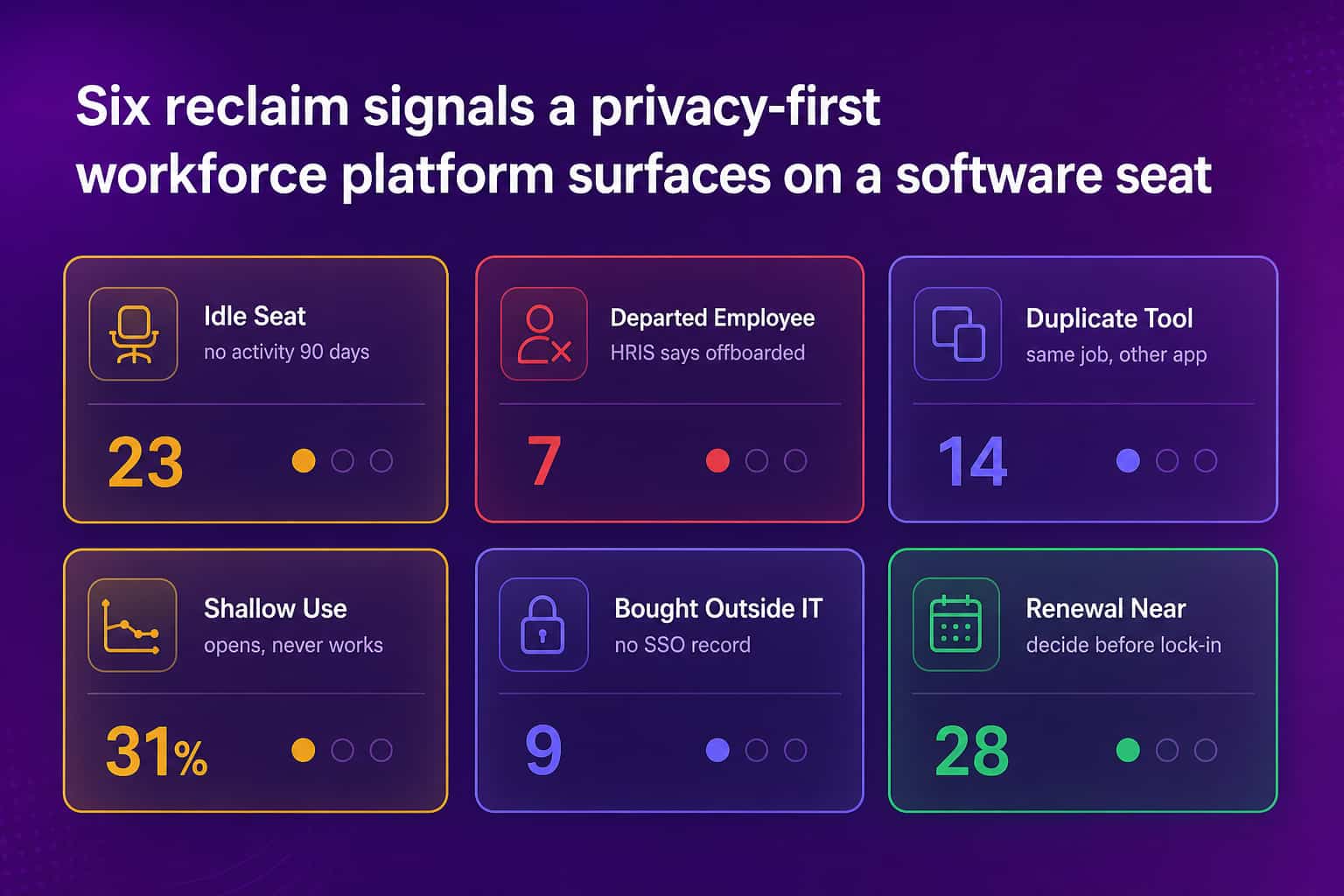
Bloomy, the AI layer, works two ways here. You can ask it directly ("which tools have the lowest utilization across departments, and what are they costing us"), and you can schedule it. Bloomy Tasks, live since mid-2026, runs on a cadence you set, mines the connected data fresh on each run, and emails a decision-ready report. Every run leaves a resumable conversation, so you click through from the email and keep pushing on the answer instead of starting over in a report. Dashboards you check. Bloomy checks in on you.
If your team already lives in ChatGPT, Claude, Cursor, or Claude Code, External AI Access connects those tools to your Abloomify knowledge over MCP. Your assistant answers the license question from your company's data instead of guessing, scoped to what that person is already allowed to see, revocable in one click.
Pricing is $9/seat/month billed annually, free up to 5 users, and the platform is SOC 2 Type II certified. Hosting runs in North America or the EU.
When Is Zylo Effective and What Are Its Tradeoffs?
Zylo does SaaS management and nothing else, and the depth shows. Discovery pulls from SSO providers, expense management, and network traffic to build an application inventory, and the benchmarking database gives you an outside read on whether your rate is competitive before you sit down with a vendor.
Strengths
- Deep SaaS-specific features and workflows
- Strong vendor management and renewal tracking
- Benchmarking data to bring into contract negotiations
- Multiple discovery methods rather than SSO alone
Considerations
- Built around inventory and cost; it will not connect usage to productivity outcomes
- Needs someone whose job includes acting on the insights
- You may still want a separate tool for broader IT analytics
How Does Torii Automate SaaS Operations?
Torii calls itself a SaaS operations platform, and the workflow engine is the reason to look at it. IT teams can automate license provisioning at onboarding and reclamation at offboarding, so the two moments when seats leak most get handled without a human remembering.
Strengths
- Strong workflow automation
- Broad integration library
- Interface that IT teams pick up quickly
- Solid shadow IT detection
Considerations
- Cost scales with the size of your application portfolio
- Analytics lean toward spend rather than business impact
- Custom workflows take setup time before they pay off
How Does Productiv Measure Adoption Quality?
Productiv scores engagement per application using feature depth and frequency rather than raw logins. That distinction is real. It is the difference between "142 people opened Confluence last month" and "11 people write in Confluence and everyone else reads one page."
Strengths
- Engagement scoring that goes past login counts
- Strong analytics and reporting
- Good support for usage-based licensing models
- Integrates with IT service management tools
Considerations
- More platform than a small IT org needs
- Engagement scores take interpretation before they drive decisions
- Weighted toward usage optimization over cost optimization
Where Does BetterCloud Focus Beyond Cost?
BetterCloud comes at SaaS management from IT operations rather than finance. Security, compliance, and policy enforcement sit alongside cost, which suits companies whose real problem is governance and whose license waste is a symptom.
Strengths
- Strong security and compliance features
- Deep integration with core productivity suites
- Automated policy enforcement
- Manages SaaS operations well beyond cost
Considerations
- Operational efficiency is the center of gravity, not pure cost recovery
- Best fit when you have specific SaaS governance requirements driving the purchase
- Aimed at larger IT budgets than a lean team usually has
When Is Zluri a Good Fit?
Zluri optimizes for getting to a first answer quickly. Clean interface, straightforward license workflows, automated discovery that starts returning results early. For a mid-market team that needs to show finance something concrete this quarter, that speed is worth more than a feature matrix.
Strengths
- Fast to deploy, quick first wins
- Interface people use without training
- Good automated discovery
- Priced for mid-market
Considerations
- Analytics are lighter than enterprise platforms
- Fewer integrations than the established players
- Larger enterprises tend to outgrow it
How Does Vertice Combine Management with Procurement?
Vertice bundles software with a procurement team. Alongside the platform, specialists help negotiate vendor contracts, which can move more money than license reclamation alone. If your waste is concentrated in overpriced contracts rather than idle seats, that is the right lever.
Strengths
- Technology plus human procurement expertise
- Real negotiating power with vendors
- Solid contract management
- Commercial model tied to what you save
Considerations
- The procurement-led model does not suit every org structure
- Less focus on real-time operational insight
- Longer engagement cycle before full value shows up
How Do You Choose the Right SaaS Management Platform?
There is no default answer here. The right platform depends on what your waste is made of and who is going to act on the data.
Pick Abloomify when the license question is part of a bigger one: you want software usage connected to output, you need privacy-first visibility that will not start a fight with your engineering team, and you want an AI agent that answers questions about the stack instead of handing you another dashboard to check. Pick a specialized SaaS management platform when vendor management and contract optimization are the actual job, you need long-tail application integrations, and you have someone who owns SaaS operations day to day.
Whichever way you go, judge the shortlist on four things. Whether it reaches your HR, identity, and productivity systems without a services engagement. Whether it can see software bought outside IT or only what passes through SSO. Whether a finding shows up with a next step attached. And whether you could explain the data collection in an all-hands without the room going cold, which sounds like a soft criterion right up until the week you have to do it.
| Platform | Primary focus | Discovery sources | Notable strengths | Fit notes |
|---|---|---|---|---|
| Abloomify | Usage tied to outcomes; waste + productivity | Device agents, app telemetry, HRIS, IdP | Context behind the number; scheduled AI reviews | Best when license waste is one of several questions |
| Zylo | SaaS inventory and vendor management | SSO, expenses, network | Benchmarking; renewals | Strong for contract and spend control |
| Torii | Automation and workflows | Integrations; SSO; HRIS | Lifecycle automation | Fits teams prioritizing automation |
| Productiv | Adoption quality and engagement | Feature telemetry; integrations | Engagement scoring past logins | Best for adoption depth analysis |
What Is the Hidden Cost of Doing Nothing?
The wasted money is the part everyone talks about. It is rarely the most expensive part.
Orphaned accounts from former employees are live credentials sitting outside your offboarding process, which makes them a security problem that happens to show up on a finance report. Applications nobody tracked may be handling customer data under terms nobody read. Three teams running three tools for the same job means three integration surfaces and a permanent argument about where the source of truth lives. And every quarter that finance finds waste IT did not surface first, IT loses a little standing in the budget conversation.
That last one compounds. An IT org that walks into the renewal meeting with usage data behind every recommendation gets a different reception than one that walks in with a vendor quote.
This is where connecting usage to outcomes earns its keep. Consolidating from three project management tools to one is a cost decision until you can show delivery velocity held steady or improved afterward, using the Jira and GitHub data you already have. Then it is a governance decision you can defend, and the next consolidation gets an easier approval.
Where to Start
Start with the two signals that need no debate: seats with no activity in 90 days, and accounts belonging to people who no longer work here. Those are unambiguous, they usually make up the bulk of the first reclaim, and they buy you the credibility to have the harder conversation about duplicate tools.
Then decide what you are actually buying. A point solution for SaaS spend, or workforce visibility that treats license waste as one output among several. Both are legitimate. Picking without deciding is how companies end up with a fourth tool that overlaps the other three.
If you want the second one, book a demo and we will look at your stack together. Related reading: how to cut SaaS waste and find unused licenses, discovering shadow IT and unapproved software, and what SaaS waste is costing your company.

Walter Write
Staff Writer
Tech industry analyst and content strategist specializing in AI, productivity management, and workplace innovation. Passionate about helping organizations leverage technology for better team performance.