Keystroke Logging at Work: What It Captures and What to Use Instead
November 26, 2026
Amir Tavafi
13 min read

Keystroke logging is the practice of recording every key a person presses on a computer, usually through software running quietly in the background. Security teams know it as a classic attack tool. Some employee monitoring vendors sell it as a productivity feature. I spent seven years building fraud products at Verafin before starting Abloomify, and I still read "keylogger" as the attacker's tool first. This guide covers what it captures, when it's legal at work, and what to measure instead.
Key Takeaways
Q: What is keystroke logging?
A: Keystroke logging records the keys a person types, in order, often with timestamps and the app or window they were typed into. It can run as hardware plugged between the keyboard and computer, or as software on the device. The result is a readable transcript of almost everything typed.
Q: Is keystroke logging legal for employers?
A: In most US states, employers can log keystrokes on company-owned devices, and Connecticut, Delaware, and New York require written notice first. In the EU, GDPR's data minimization principle makes routine keystroke logging of staff very hard to defend. Logging someone else's personal device without consent is a separate and much riskier legal question.
Q: What does a keystroke logger capture by accident?
A: Everything typed while it runs: passwords, personal messages, health searches, customer records, and drafts nobody meant to send. That turns the log into one of the most sensitive data stores the company owns, and a target for attackers.
Q: Do keystroke counts measure productivity?
A: They measure keyboard activity. A senior engineer reviewing a design or prompting Claude Code can produce great work with few keystrokes, while busywork racks them up. There is no evidence that monitoring improves performance, according to a Personnel Psychology meta-analysis.
Q: What should companies measure instead?
A: Outcomes from the systems where work happens: PR cycle time and review health from GitHub, delivery from Jira, meeting load and focus time from Google Workspace or Microsoft 365. Abloomify connects 100+ tools PII-free, with no screenshots, no keyloggers, and no screen recording.
What is keystroke logging and how does it work?
Keystroke logging, also called keystroke monitoring or keylogging, is the capture of each key pressed on a keyboard, stored as a sequence that can be read back later, usually tagged with a timestamp and the application that had focus at the time. The capture can happen in a few places. Hardware keyloggers are small devices plugged in between the keyboard and the computer, invisible to software and easy to miss on a desk. Software keyloggers run on the device itself and hook into the operating system's keyboard input, which is why macOS asks for an explicit Input Monitoring permission before an app can see keystrokes. A third flavor lives in the browser, where an extension or a malicious script reads what you type into web forms. Same idea in every case: the tool sees which characters were typed and when.
There are two very different worlds using the same technique:
- Attackers install keyloggers to steal banking logins, email passwords, and company credentials. This is the version Microsoft and the big security vendors write about, and the reason security software flags unknown keyboard hooks.
- Employee monitoring tools offer keystroke logging as a feature, sometimes on by default, sometimes as a setting an admin turns on. The capture mechanism is the same. The difference is that the employer installed it.
That overlap matters more than vendors admit. If the same software would be called malware on your personal laptop, your employees will feel the same way about it on their work laptop.
Keystroke logging vs keystroke counting vs activity levels
Not every tool that "watches the keyboard" logs content, and the distinction decides both the legal risk and the trust cost. Keystroke logging stores what was typed. Keystroke counting stores how many keys were pressed in a period, without knowing which ones. Activity levels, common in time trackers, turn keyboard and mouse events into a percentage of "active" minutes per interval. These three get blurred in sales decks all the time, so it's worth asking any vendor which one they actually do.
| Method | What is stored | Can it reveal a password? | Typical use |
|---|---|---|---|
| Keystroke logging | Every character typed, in order | Yes | Insider threat investigations, some monitoring suites, malware |
| Keystroke counting | Number of keypresses per app or period | No | Intensity of use signals |
| Activity levels | Share of minutes with any keyboard or mouse input | No | Time trackers for hourly and billable work |
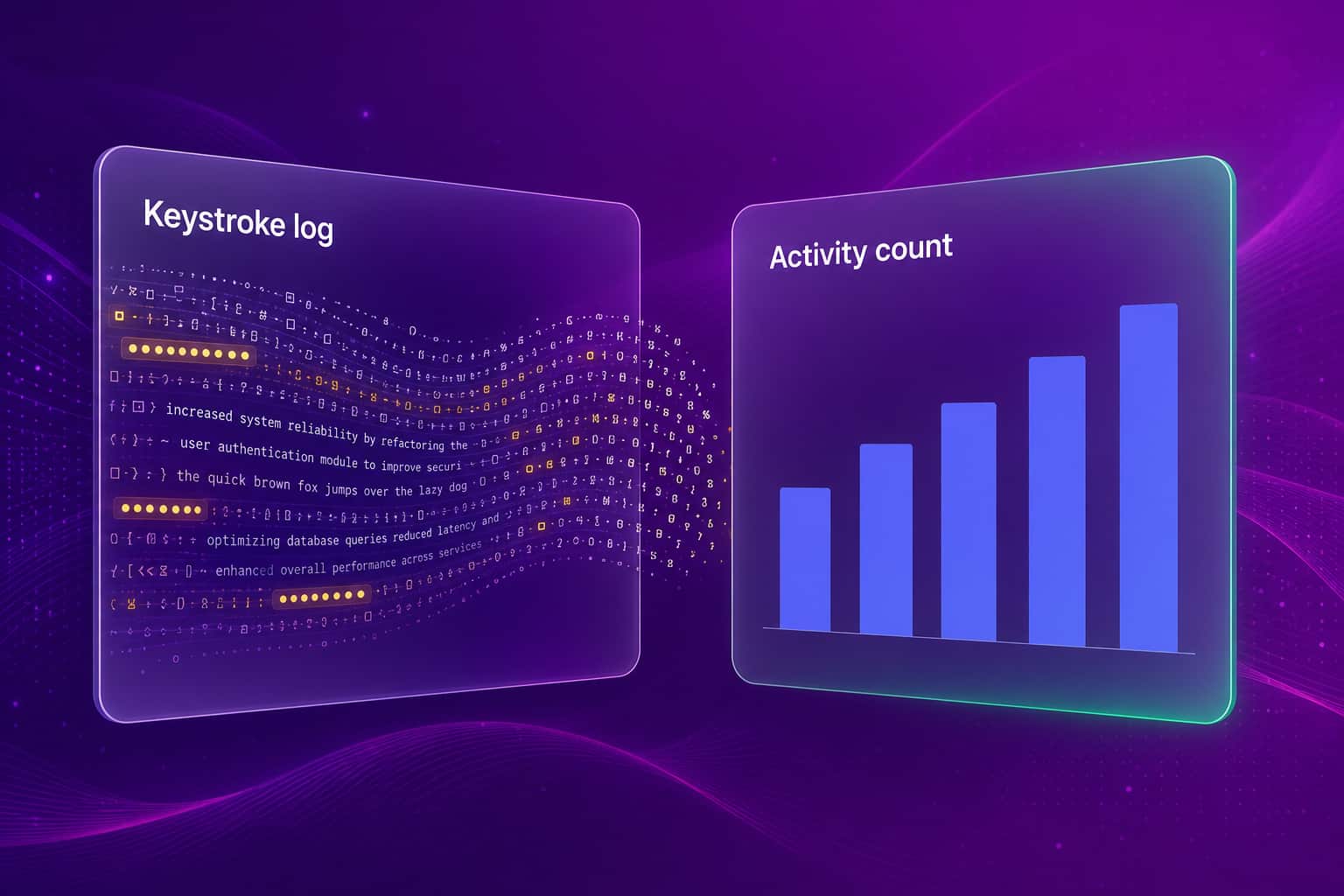
To be fair to a competitor here: ActivTrak's own documentation says it does not keylog. If you're comparing monitoring vendors, read their data collection docs line by line, because "we don't keylog" and "we don't collect anything sensitive" are very different claims. Our Abloomify vs ActivTrak comparison goes through where that line sits for each product.
Why do employers use keystroke logging?
Employers usually turn on keystroke logging for one of three reasons, and only one of them holds up well: a targeted security or insider-threat investigation on specific high-risk systems, a compliance requirement in a regulated environment where every action on a sensitive terminal must be reconstructable, or a general attempt to measure productivity and catch people slacking. The first two are narrow, scoped to particular systems or people, time-boxed, and usually owned by security or compliance teams with a documented reason. The third is broad, permanent, and owned by whoever bought the monitoring tool, and it's the one that causes most of the damage.
The productivity reason usually starts from a real worry. A COO sees remote teams, can't tell who's carrying the load, and grabs the most granular data available. I get the instinct. When we talk to COOs, the question is almost always some version of "who is actually doing the work?" Keystrokes feel like an answer because they are so detailed. They are detailed about the wrong thing.
Is keystroke logging legal at work?
Keystroke logging on company-owned devices is legal in most of the US, provided the employer meets state notice rules, while in the EU and UK it is very difficult to justify for ordinary staff because privacy law requires monitoring to be necessary and proportionate to a specific purpose. In the US, the federal Electronic Communications Privacy Act gives employers wide room to monitor their own systems, and Connecticut, Delaware, and New York add a requirement to give written notice before electronic monitoring starts. In Europe, GDPR's data minimization principle asks whether you could reach the same goal with less data, and for productivity the answer is almost always yes. Germany's Federal Labour Court ruled in 2017 that an employer could not rely on keylogger evidence to justify a dismissal, because the logging was not based on a concrete suspicion of wrongdoing.
Our guide to employee monitoring laws by state has the state-level detail. The short version for leaders:
- Company device, written policy, signed acknowledgment, and a clear business purpose is the minimum.
- Logging personal devices, or devices used for personal accounts, is where lawsuits come from.
- "We told them in the handbook" doesn't make the data any less sensitive once you hold it.
What does a keystroke logger capture by accident?
A keystroke logger captures everything typed while it runs, which means the log inevitably fills up with data the employer never wanted and should not hold: passwords for work and personal accounts, private messages to family or doctors, health and financial searches, customer names and account numbers, salary negotiation drafts, and half-written resignation letters. Password fields hide characters on screen, but the keys are still pressed, so a keylogger can record them anyway. The employer now owns a searchable archive of its staff's credentials and private lives, sitting on a server that somebody has to secure, retain, and eventually defend in discovery.
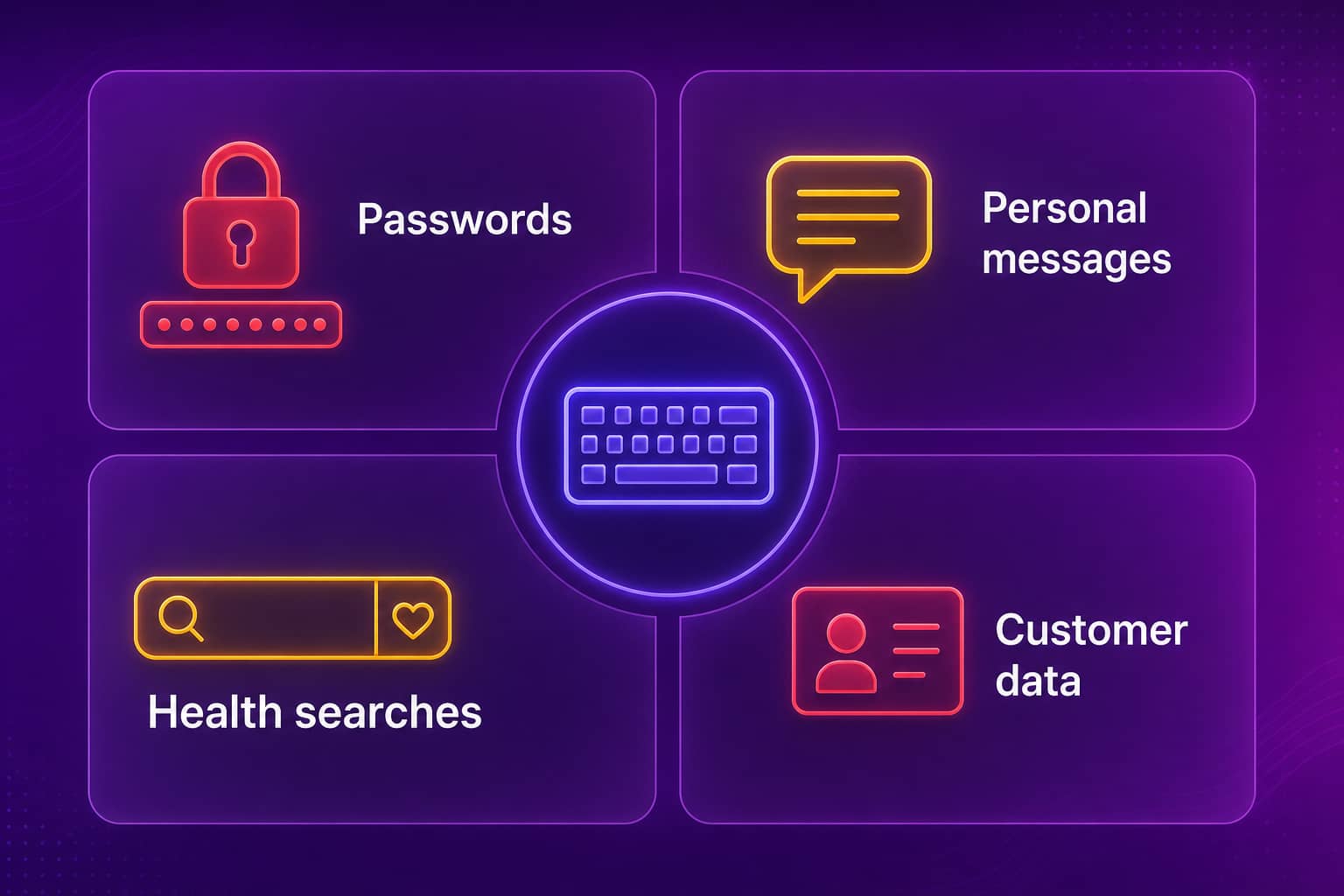
From a fraud and security point of view, this is the part that bothers me most. You've built the exact data store an attacker would want, and you built it on purpose. One compromised admin account and the keystroke archive is a credential dump. This is where privacy-first architecture earns its keep: data you never collect can't leak.
Why keystroke counts make a weak productivity metric
Keystroke counts are a weak productivity metric because they measure how busy a keyboard was, not whether the work moved forward, and the gap between those two things keeps growing as more knowledge work happens through reviewing, thinking, meetings, and AI tools rather than raw typing. A product manager working through a hard trade-off might type very little for an hour. An engineer who reviews three pull requests carefully catches the bug that would have cost a week. Someone answering low-value Slack threads all afternoon will light up every keyboard metric you have.
AI coding tools make this even clearer. When an engineer hands a refactor to Cursor or Claude Code, keystrokes drop and output can go up. Measuring keyboard activity in a team that uses AI agents basically penalizes the people adopting the tools you're paying for.
People also adapt to whatever you measure. Activity metrics get gamed, which is why mouse jigglers and keystroke simulators are a product category at all. Add the trust cost (1 in 6 workers say they would quit over surveillance, per 2026 survey research) and the meta-analysis evidence that monitoring doesn't improve performance, and keystroke data looks like a bad trade even before legal review.
What to measure instead of keystrokes
The better alternative to keystroke logging is to measure outcomes and working conditions from the systems where work already happens, through API integrations that read signals like PR timing, ticket flow, and calendar load without ever touching the content people type. That gives a COO or VP of Engineering an answer to "who is overloaded, where is work stuck, and is our AI spend paying off?" with data employees can see and argue with. It also holds up much better in a works council or legal review, because there's no content to justify holding.
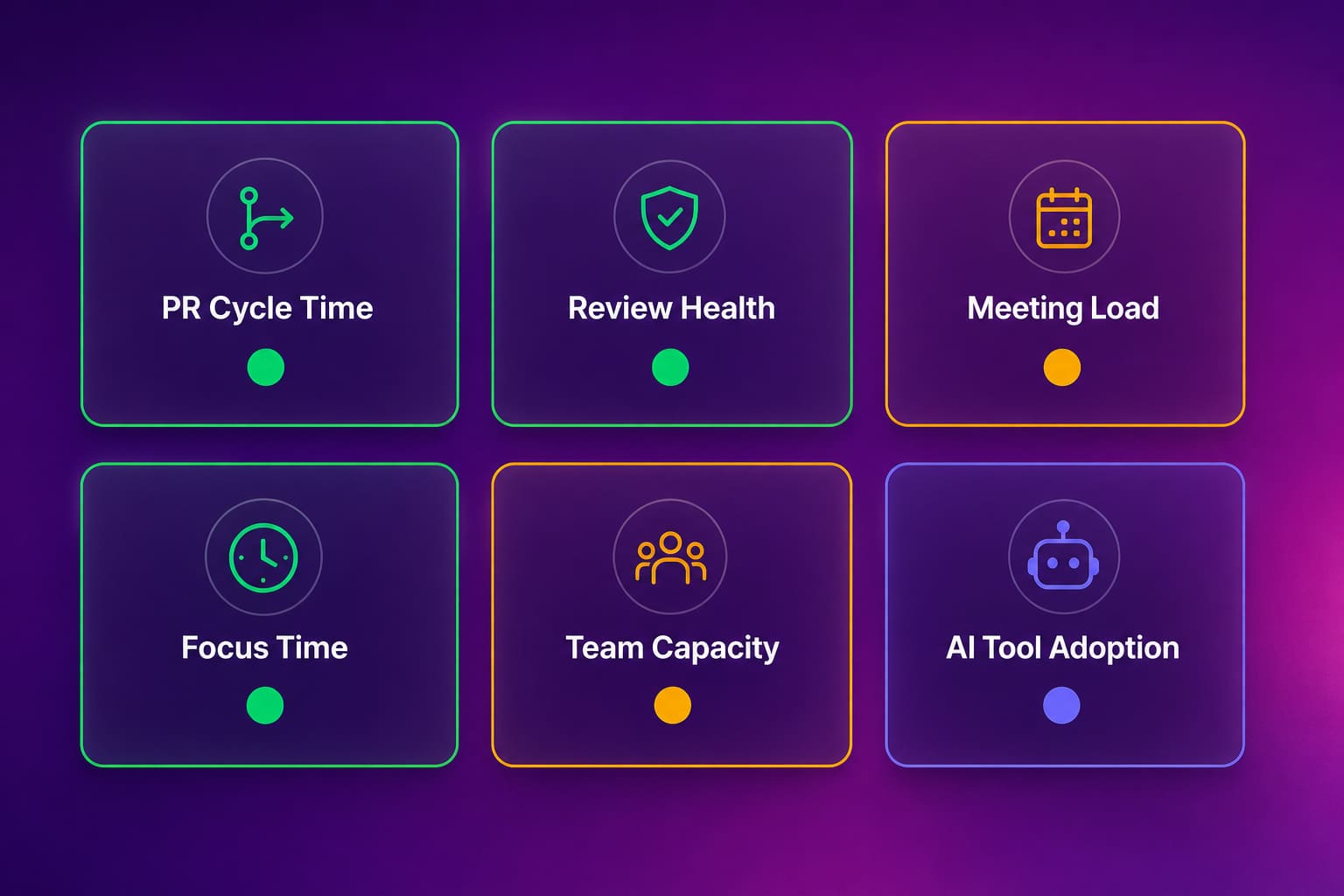
Here's what that looks like in practice:
- Engineering delivery from GitHub, GitLab, or Bitbucket: PR cycle time, time to first review, review load, and DORA metrics.
- Work flow from Jira or Linear: what's committed, what's stuck, and who's carrying too much.
- Meeting load and focus time from Google Workspace or Microsoft 365, using calendar and aggregated activity data, never email content.
- AI tool adoption from Cursor, Claude Code, and GitHub Copilot, correlated with delivery so you can see whether heavy users ship faster.
I'll be precise about our own product, because this is exactly where vendors get vague. Abloomify's optional device agent keeps an aggregate count of keypresses per active app as an intensity signal. It never records which keys were pressed, never takes screenshots, and never records the screen. The device agent guide lists everything it collects and everything it doesn't, so your employees can read it too. Most of the value comes from the integrations anyway, which is how you measure productivity without screenshots or keystroke logs.
One of our customers, a 50-person SaaS company, checked our numbers against the spreadsheet their COO had built by hand. The app hours matched. That's the bar: data you can verify, about work, with nothing typed in it.
How to check whether your work computer has a keylogger
If you're an employee wondering whether keystroke logging is running on your machine, the fastest answer is to ask IT and read your acceptable-use or monitoring policy, because in the US most legitimate employer monitoring has to be disclosed somewhere, and in three states it must be disclosed in writing before it starts. On a Mac, open System Settings, then Privacy and Security, then Input Monitoring, to see which apps have permission to read keyboard input. On Windows, review installed programs and running background processes, and check whether the device is enrolled in management by your employer. If you find something you don't recognize on a personal machine, treat it as malware and run a reputable security scan.
A few practical habits help either way. Keep personal banking and medical accounts off work devices. Use a password manager so you type fewer passwords at all. Assume anything typed on a managed laptop could be visible to the company.
Leaders, flip that last sentence around. If your people assume everything they type is watched, you've already paid the trust cost, whether or not anyone reads the logs.
FAQ
What is the difference between a keylogger and keystroke logging?
Keystroke logging is the practice of recording what someone types. A keylogger is the tool that does it, either a small hardware device between keyboard and computer or software running on the machine. Security teams use "keylogger" for the malicious version, while monitoring vendors tend to say "keystroke logging" or "keystroke monitoring" for the same capability.
Can my employer see what I type on a work computer?
They can if monitoring software with keystroke logging is installed on that device, and in most US states that is lawful on company-owned equipment. Check your acceptable-use policy, ask IT directly, and on a Mac look at the Input Monitoring list under Privacy and Security. Connecticut, Delaware, and New York require written notice first.
Is keystroke logging illegal?
Not automatically. In the US, employers can generally log keystrokes on devices they own, with notice required in a few states. Installing a keylogger on someone else's device without permission is a different story and can break wiretap and computer misuse laws. In the EU, routine keystroke logging of employees is very hard to justify under GDPR.
Does counting keystrokes measure productivity?
Poorly. A keystroke count tells you a keyboard was busy. It doesn't tell you whether a PR shipped, a deal moved, or a customer problem got solved. It also falls apart for engineers using Cursor or Claude Code, where good work often means fewer keystrokes. Treat it as a weak activity signal at most.
Does Abloomify use keystroke logging?
No. Abloomify never records which keys anyone presses. The optional device agent keeps an aggregate keypress count per active app as an intensity signal, and the main value comes from 100+ API integrations like GitHub, Jira, and Google Workspace, which measure outcomes. No screenshots, no screen recording, no content capture.

Amir Tavafi
Co-Founder & CEO
Product leader and innovator with over 15 years of experience in the tech sector, grounded in AI and robotics. Previously led product development in fraud detection and AI solutions at Nasdaq Verafin.